
I run a NAS built with Ubuntu Samba as a file server.
This time, here's how to access it from an iPhone.
On the Ubuntu Side: Check the Hostname
You can find your computer's hostname with the hostname command.
Make a note of it, since you'll need it later.
hostnameOpening the File
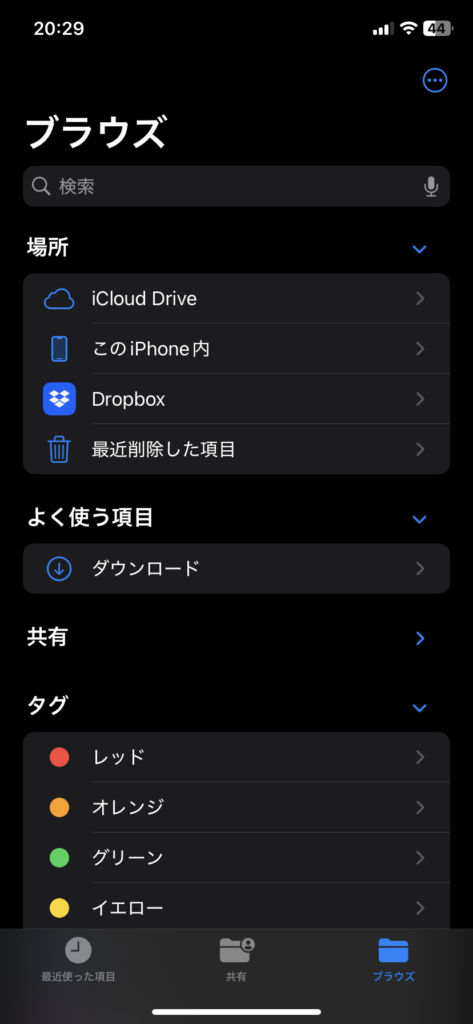
First, open the Files app on your iPhone.
Go to the Browse tab, then choose [Connect to Server] from the button in the top right.
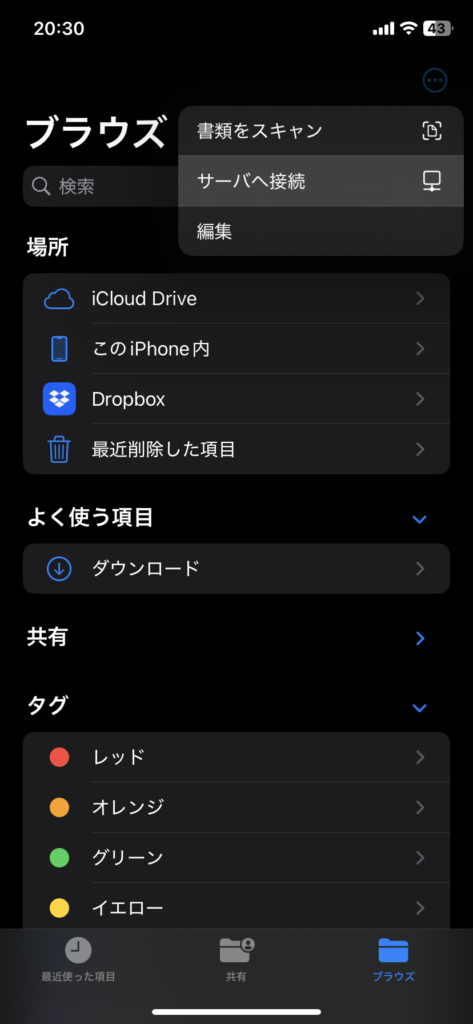
Next you'll be taken to a screen for entering an address — this is where you use the hostname from earlier.
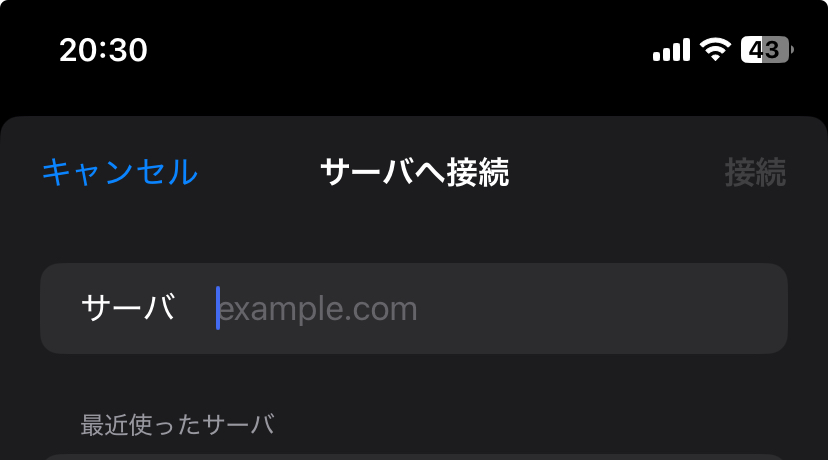
If the hostname command showed your computer's name as YOUR-COMPUTER, enter it like this.
smb://YOUR-COMPUTER.localOnce you've entered it, you'll be asked whether to connect as a registered user or as a guest — pick whichever suits your setup!
That should be all you need to connect!