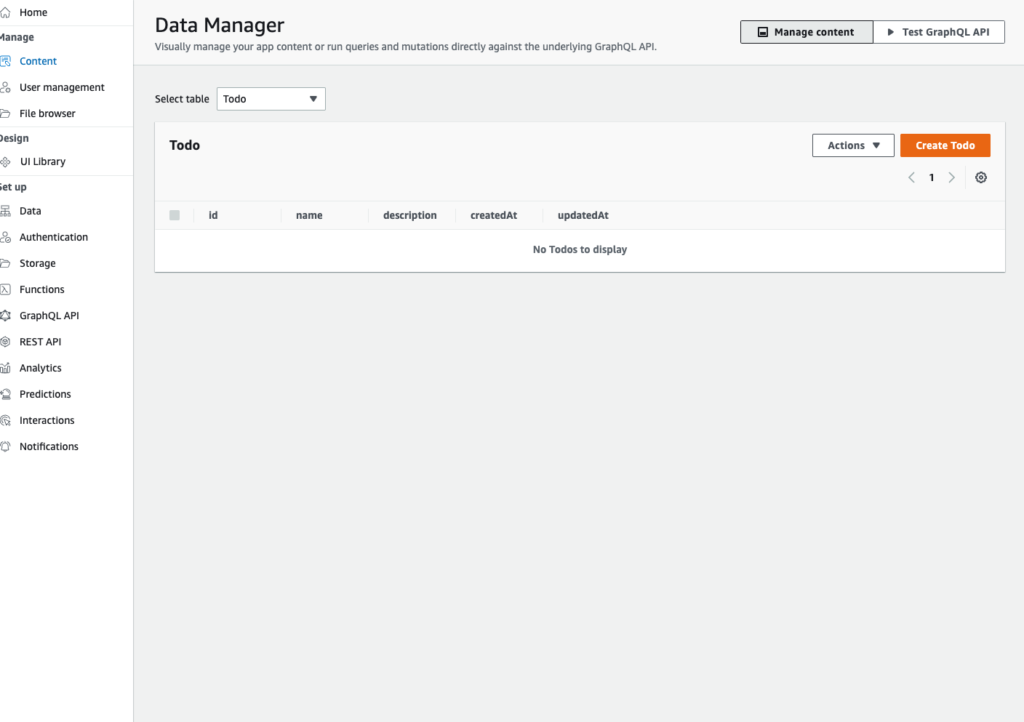
I tried to register content using the Amplify Studio Data Manager, and
IAM is required as an auth provider to use content management capabilities. To automatically add IAM and enable content management, navigate to 'Data' and select 'Save and Deploy'.this message was displayed.
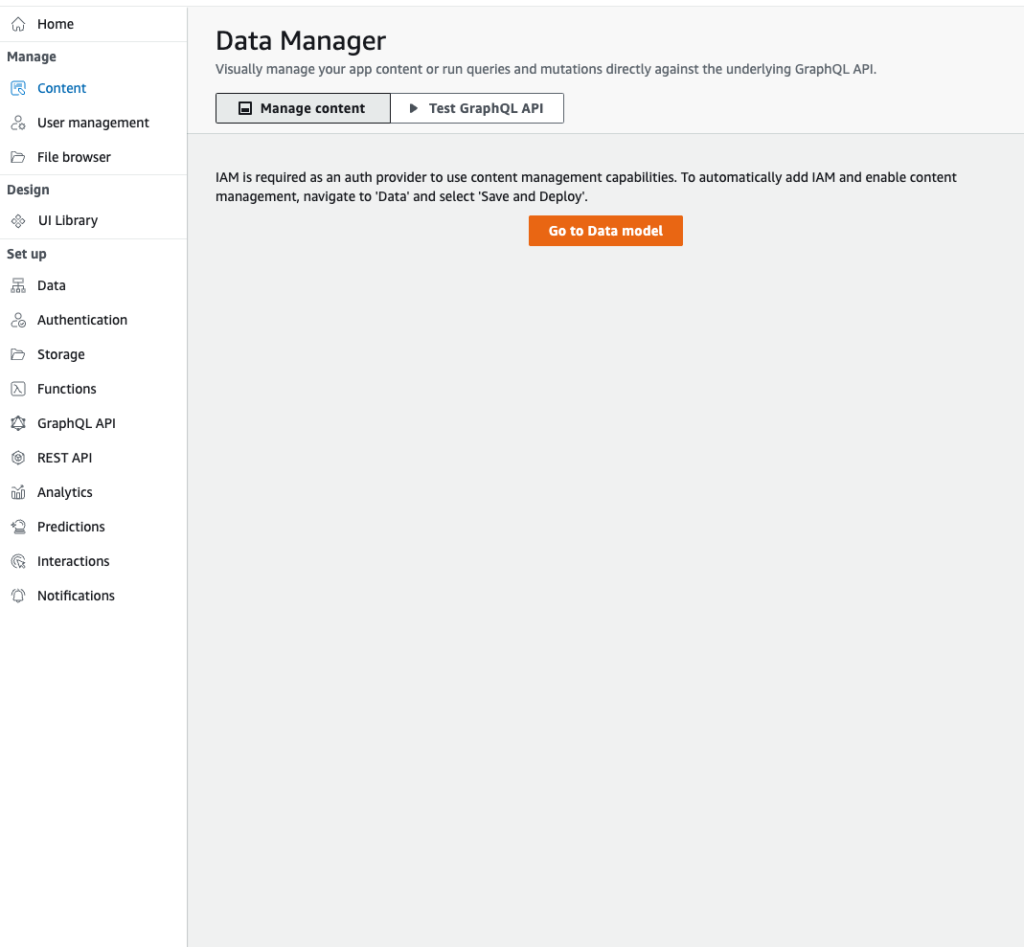
After clicking Go to Data Model on this screen and navigating there, doing Save and Deploy
An error occurred while processing your request: Deployment failed because your app backend contains hosting. Amplify Studio only supports API, Auth, and Storage deployments. Please use the Amplify CLI to deploy updates.resulted in this error.
Solution
In my case, the problem was that I had hosting set up as a test.
amplify remove hostingPush the backend again
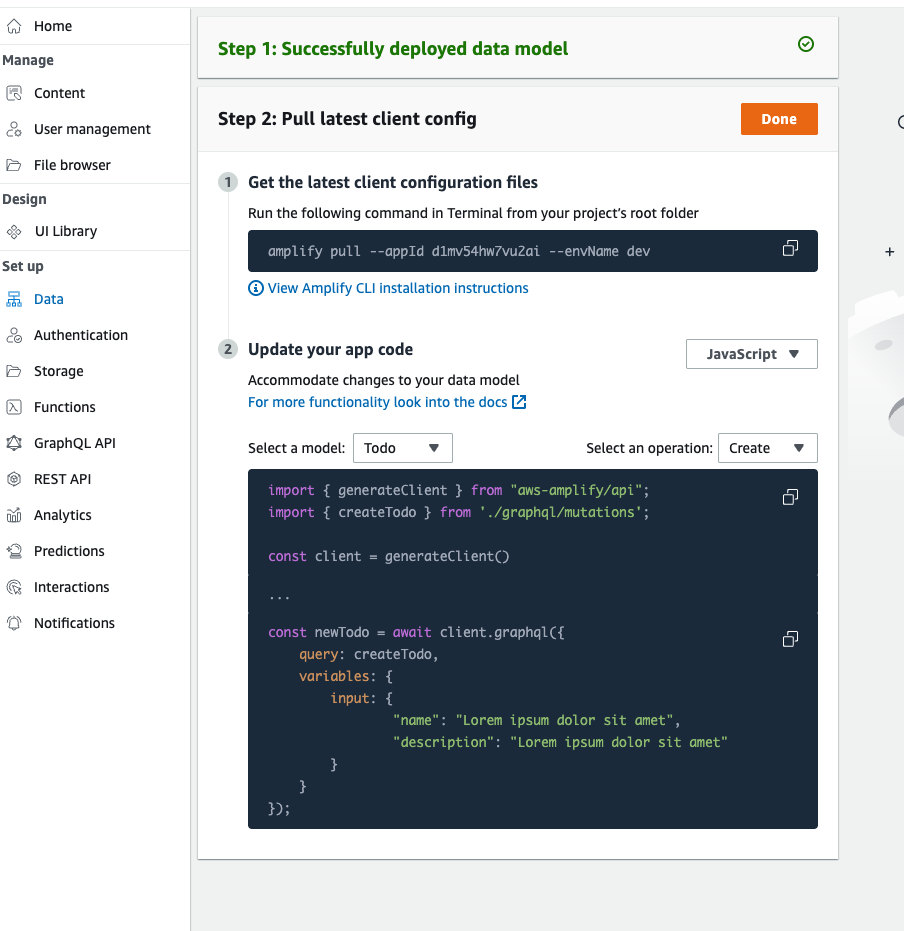
amplify pushAfter that, I went back to Data in Amplify Studio and did Save and Deploy — and the deployment succeeded!
Afterward, I went back to content / Data Manager and confirmed that I could now manage data from Amplify Studio without any issues!