
flutter build iosとしたところ、以下のようなエラーが出てきた。
![══════════ No valid code signing certificates were found You can connect to your Apple Developer account by signing in with your Apple ID in Xcode and create an iOS Development Certificate as well as a Provisioning Profile for your project by: 1- Open the Flutter project's Xcode target with open ios/Runner.xcworkspace 2- Select the 'Runner' project in the navigator then the 'Runner' target in the project settings 3- Make sure a 'Development Team' is selected under Signing & Capabilities > Team. You may need to: - Log in with your Apple ID in Xcode first - Ensure you have a valid unique Bundle ID - Register your device with your Apple Developer Account - Let Xcode automatically provision a profile for your app 4- Build or run your project again 5- Trust your newly created Development Certificate on your iOS device via Settings > General > Device Management > [your new certificate] > Trust For more information, please visit: https://developer.apple.com/library/content/documentation/IDEs/Conce ptual/ AppDistributionGuide/MaintainingCertificates/MaintainingCertificates .html Or run on an iOS simulator without code signing ══════════════════════════════════════════════════════════════════════ ══════════ No development certificates available to code sign app for device deployment](https://cms.coiai.net/media/2025/01/スクリーンショット-2025-01-31-23.15.28.png)
══════════
No valid code signing certificates were found
You can connect to your Apple Developer account by signing in with
your Apple ID
in Xcode and create an iOS Development Certificate as well as a
Provisioning
Profile for your project by:
  1- Open the Flutter project's Xcode target with
       open ios/Runner.xcworkspace
  2- Select the 'Runner' project in the navigator then the 'Runner'
  target
     in the project settings
  3- Make sure a 'Development Team' is selected under Signing &
  Capabilities > Team.
     You may need to:
         - Log in with your Apple ID in Xcode first
         - Ensure you have a valid unique Bundle ID
         - Register your device with your Apple Developer Account
         - Let Xcode automatically provision a profile for your app
  4- Build or run your project again
  5- Trust your newly created Development Certificate on your iOS
  device
     via Settings > General > Device Management > [your new
     certificate] > Trust

For more information, please visit:
  https://developer.apple.com/library/content/documentation/IDEs/Conce
  ptual/
  AppDistributionGuide/MaintainingCertificates/MaintainingCertificates
  .html

Or run on an iOS simulator without code signing
══════════════════════════════════════════════════════════════════════
══════════
No development certificates available to code sign app for device
deployment
解決法
terminal で ios/Runner.xcworkspace ファイルを開く
open ios/Runner.xcworkspace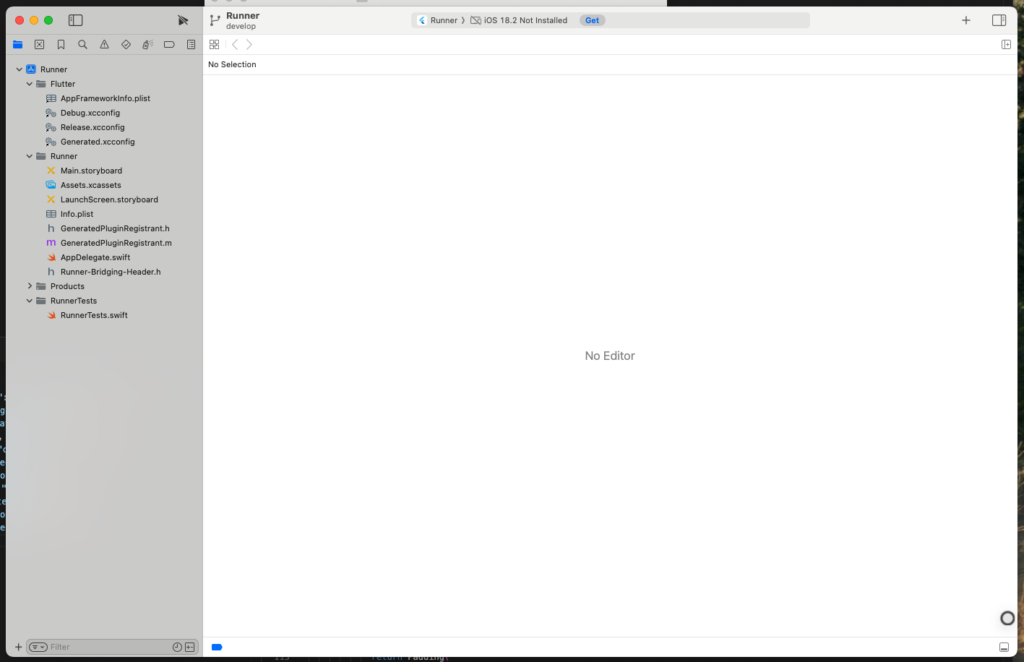
Xcodeで「Runner」プロジェクトを選択
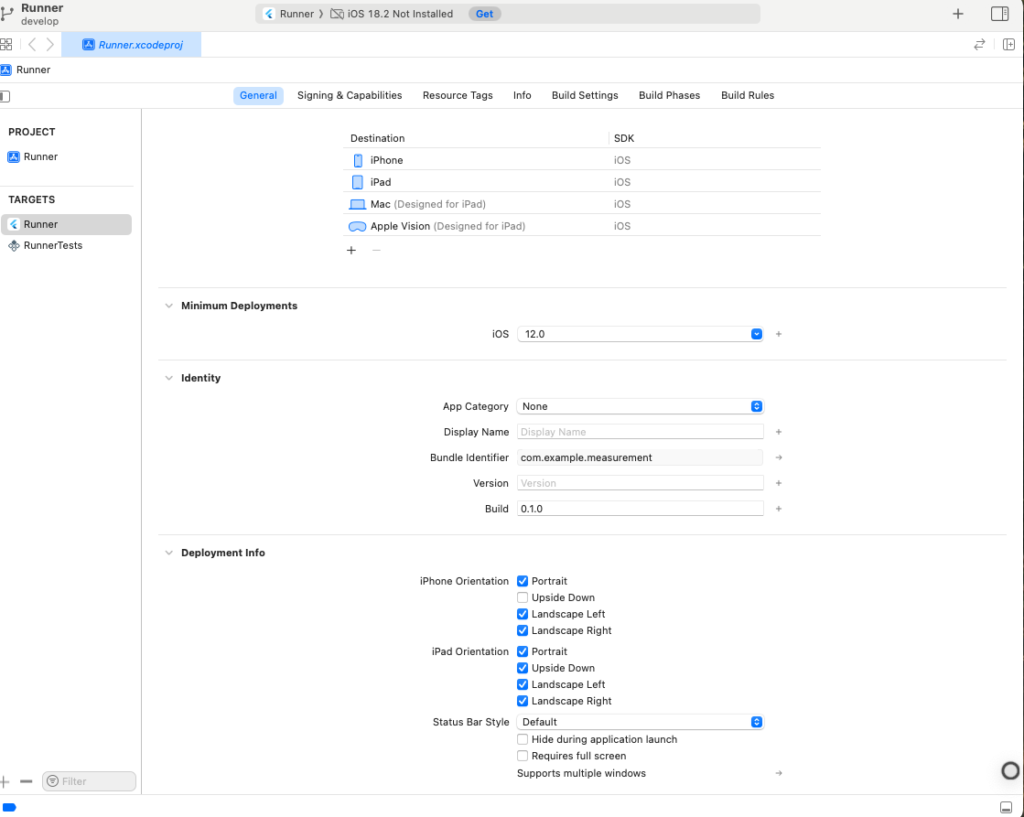
「Signing & Capabilities」タブを開く
私の場合、久しぶりのストアアップロードで規約に同意していないのが原因でした。
Unable to process request – PLA Update available
You currently don’t have access to this membership resource. To resolve this issue, agree to the latest Program License Agreement in your developer account.
StoreConnectから同意したらできました。
“Automatically manage signing”(自動管理) をチェック
「Team」のプルダウンから Apple Developer アカウントを選択
「Provisioning Profile」が作成されるのを確認
以上です。
再度以下のコマンドでビルドしなおしましょう。
flutter build iOS