Note: This is just a low-effort roundup post — there's not much substance here.
Download SF Symbols from the URL below.
https://developer.apple.com/sf-symbols
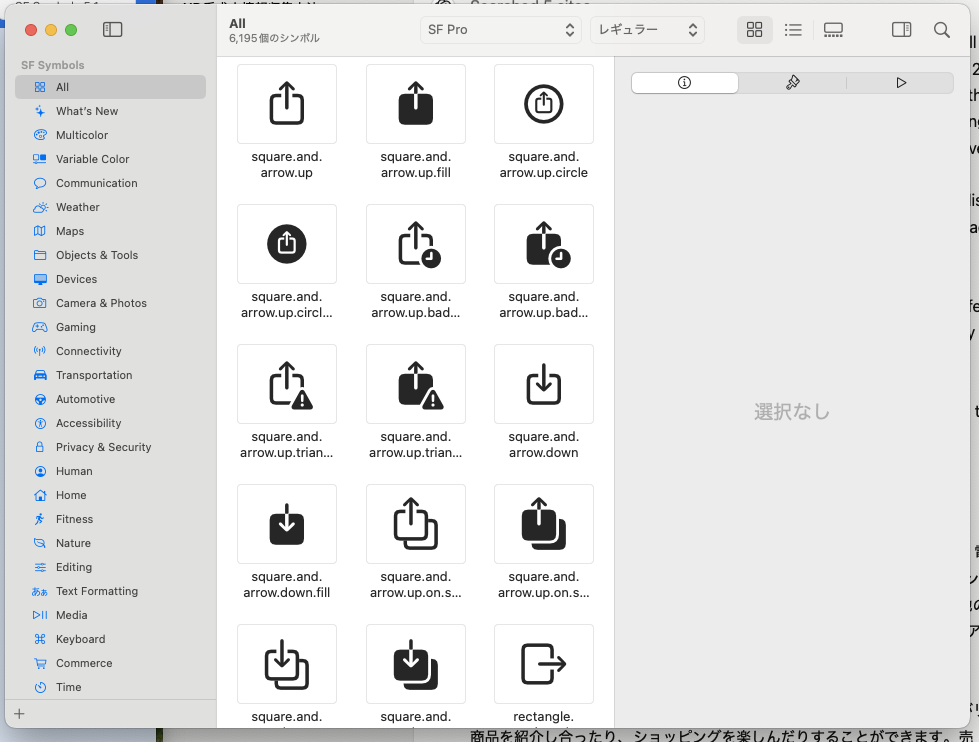
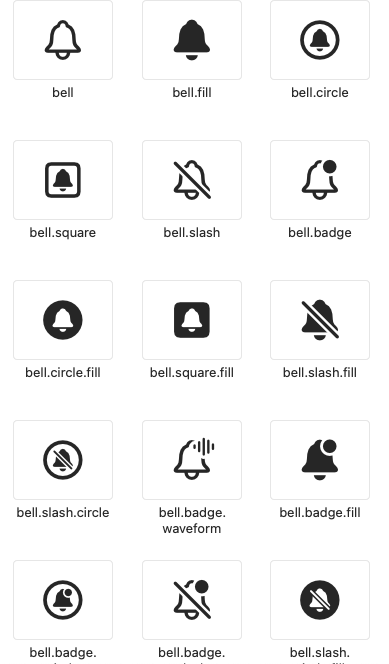
As you can see, it lets you search for systemImage names as a native app, which is incredibly handy.
You'll often want to add a button with an icon while coding in SwiftUI, and having the SF Symbols app installed means you can look one up instantly.
                Button {
                    presented.toggle()
                } label: {
                    Label("toggle inspector", systemImage: "info.circle")
                }
A rundown of frequently used SF Symbols
Here are the ones I reach for most often (partly as a note to myself).
Info-related
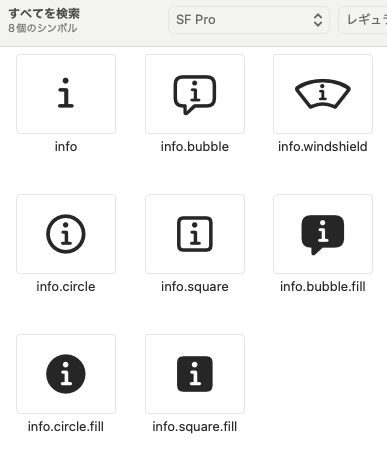
info.circle gets used all the time
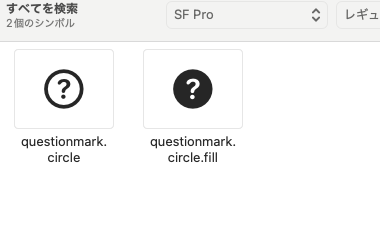
For help features, questionmark.circle
For editing things like colors,
paintbrush

For notifications,
bell
A symbol you'll definitely use on macOS
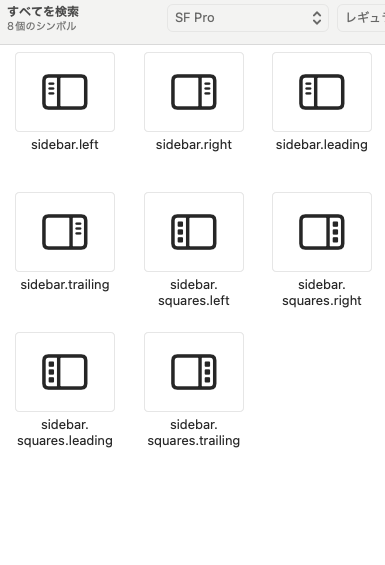
for sidebar-related stuff
sidebar.right