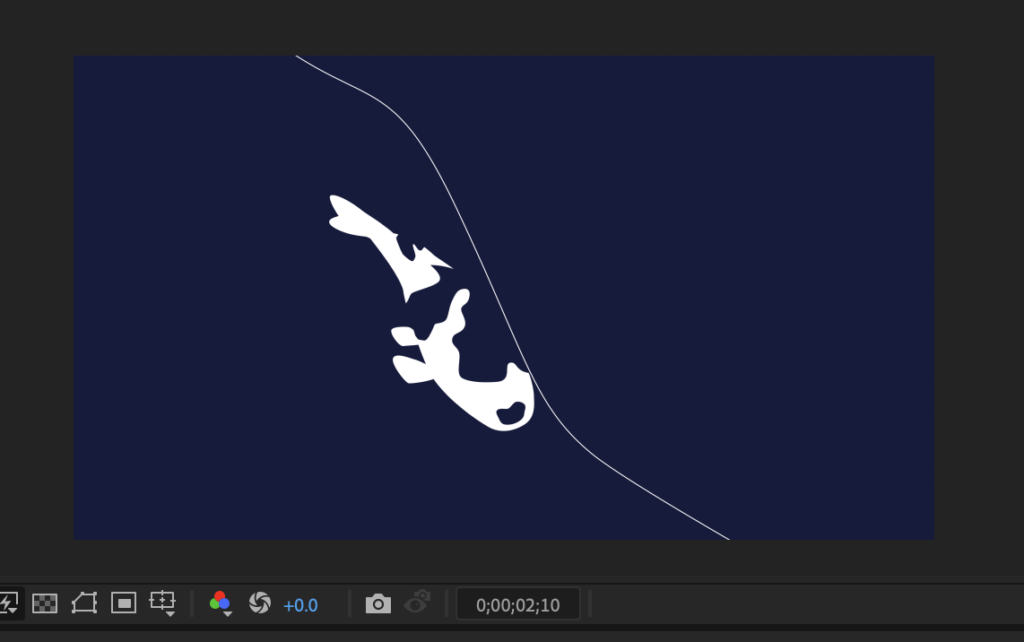
I brought the koi I made the other day to life swimming in After Effects.
Production process
I scrubbed the seek bar back and forth on YouTube videos of swimming koi over and over,
studying how they move before getting started.
Here's the finished result.
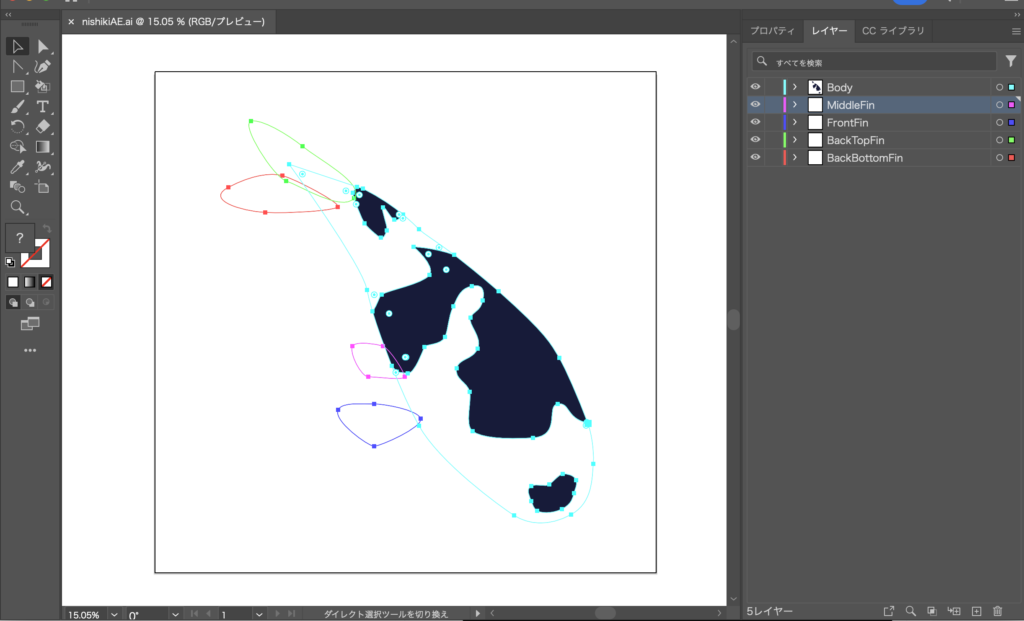
Splitting layers in Illustrator
I drew the koi's outstretched-swimming pose using paths.
To recreate a view from slightly above at an angle, I split the tail fin into upper and lower parts.
Building the animation in After Effects
Creating the motion
Time to build the actual movement.
I worked through it in order: body, pectoral fins, then tail fin.
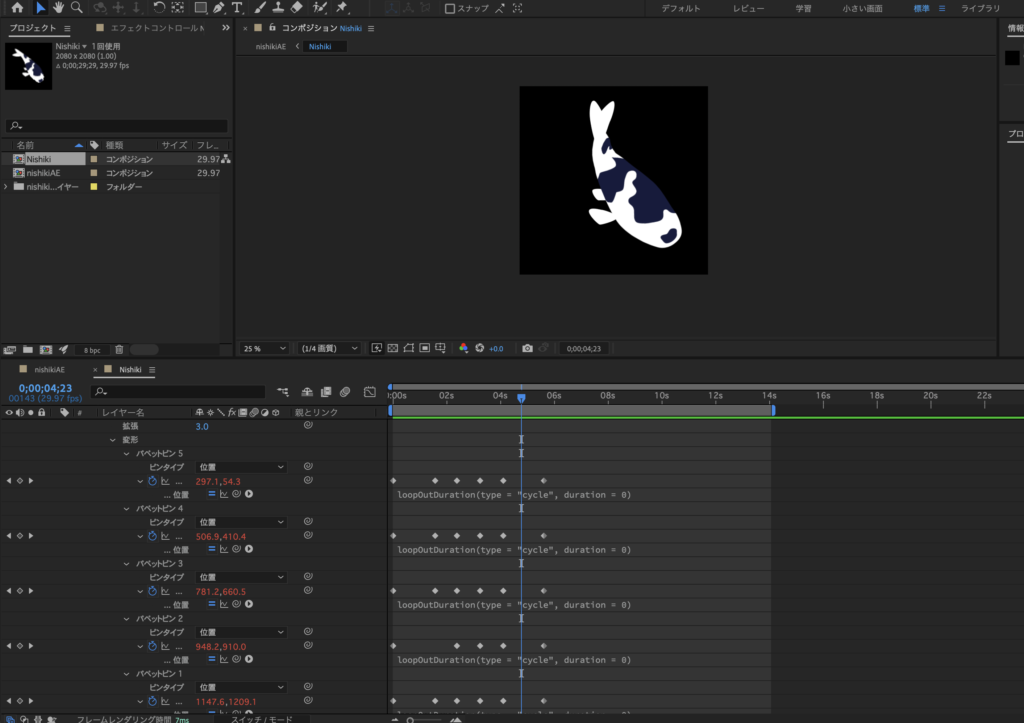
For the body, I placed puppet pins along the spine to drive the motion.
Once that was all in place, I set it to loop so the koi keeps swimming continuously.
Moving it along
I used the pen tool to lay out the swimming path,
copied that path,
and applied it to the koi's transform.
After that, all that's left is to render it out — done!