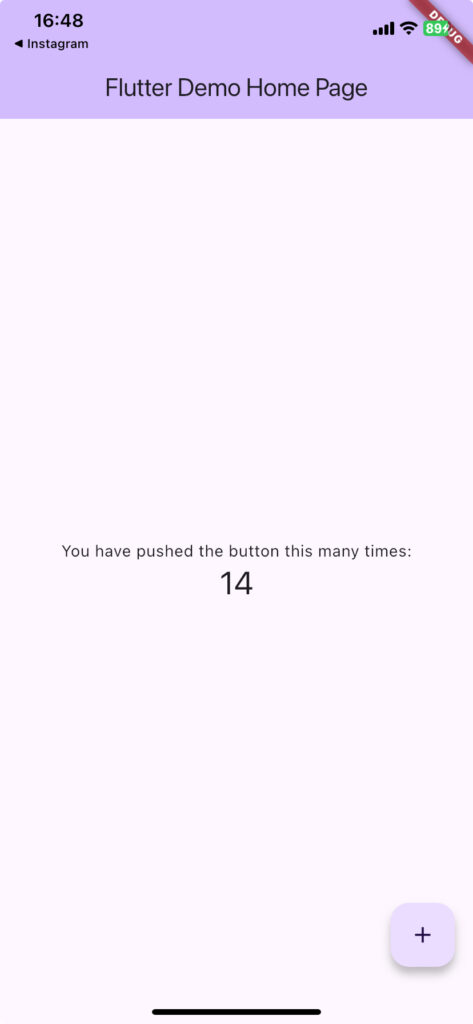
This post is a live log of just following the official documentation to get things running. Yep, I'm adding to the pile of internet debris once again. (Just read the official docs!)
https://codelabs.developers.google.com/codelabs/flutter-codelab-first?hl=ja#2
Environment
- Apple Silicon M1 MacBook Air
- 16Gb
- Sequoia 15.0
- Xcode Version 16.0 (16A242d)
Verified working as of 2024/10/10
Steps
Setting up the Flutter environment
Head to the Get Started page from the official docs.
I used this page as my reference.
It walks you through the install steps for each platform.
https://docs.flutter.dev/get-started/install
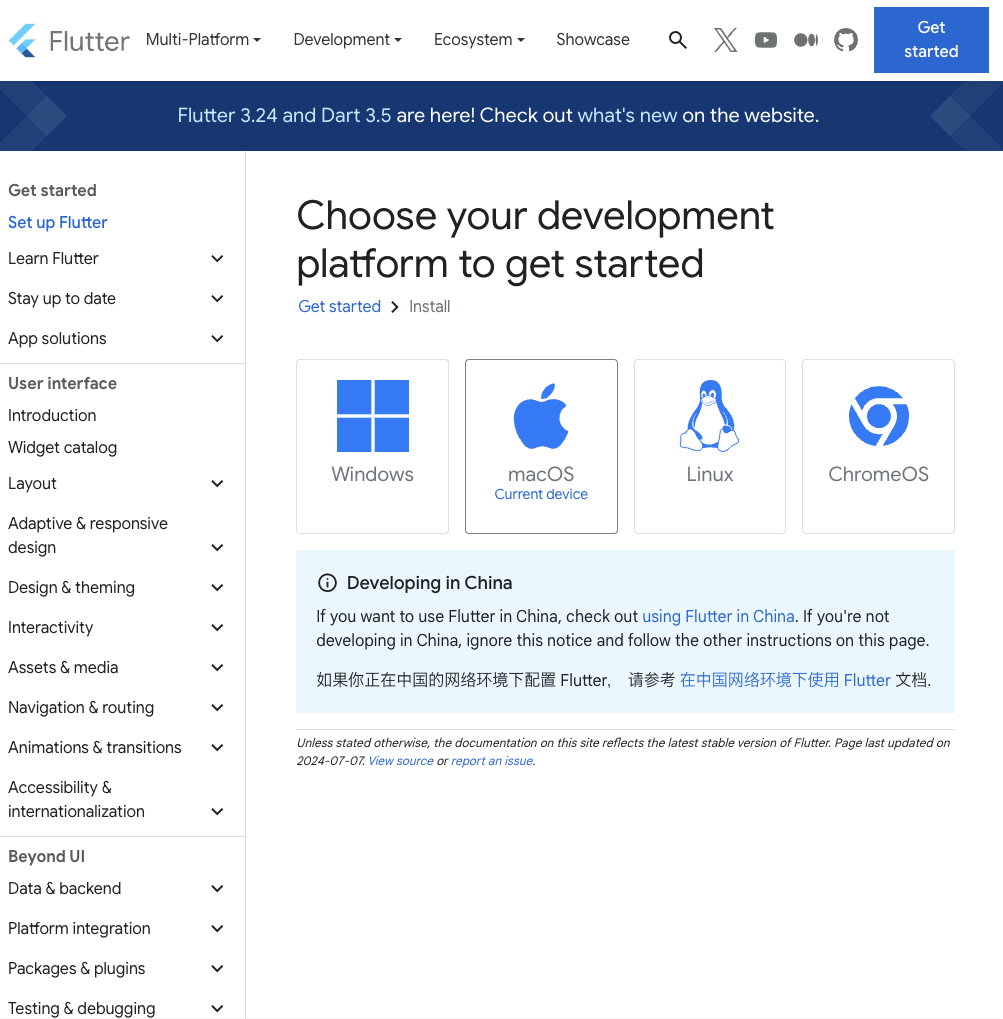
Went with iOS for now. (why not)
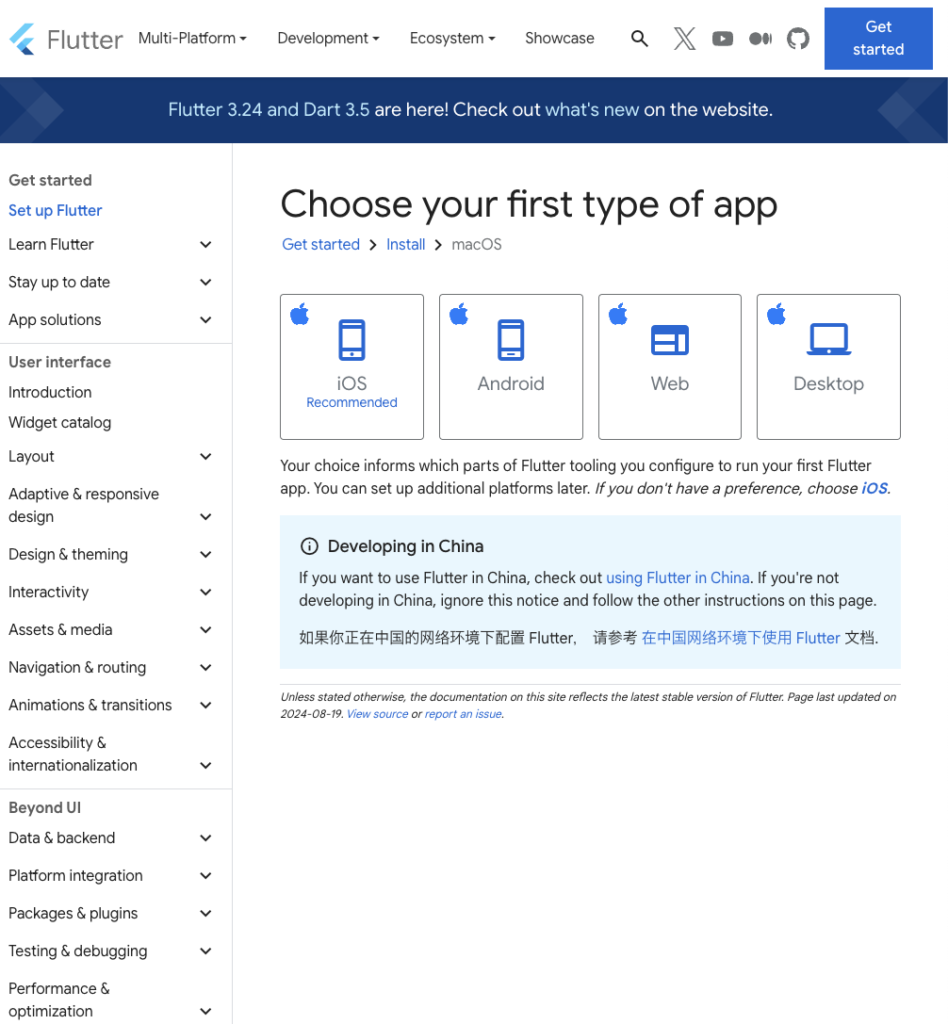
Looks like it needs Rosetta 2, so installing that.
softwarupdate --install--rosettaIf you're reading this, you've probably already got this covered...
Make sure you have Xcode installed for the emulator, and VS Code for writing code.
The official docs recommend this VS Code extension: https://marketplace.visualstudio.com/items?itemName=Dart-Code.flutter — go ahead and install it.
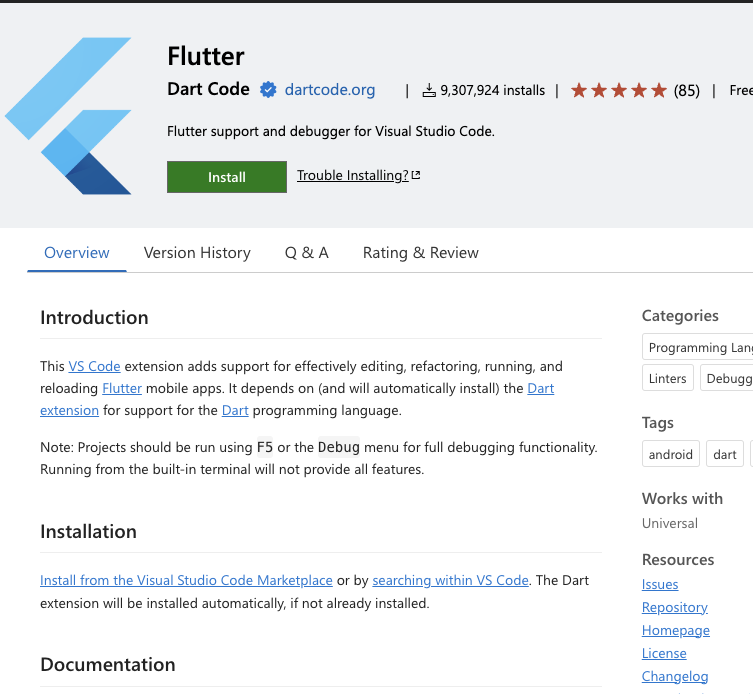
Once you've confirmed the Flutter extension is installed above:
Install Flutter through VS Code.
Next, open the command palette [cmd + shift + P] and type [Flutter].
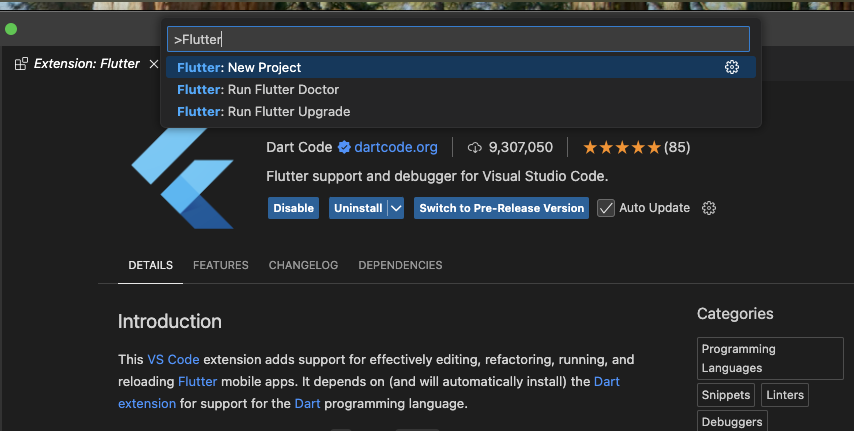
Select [Flutter: New Project] from the options.
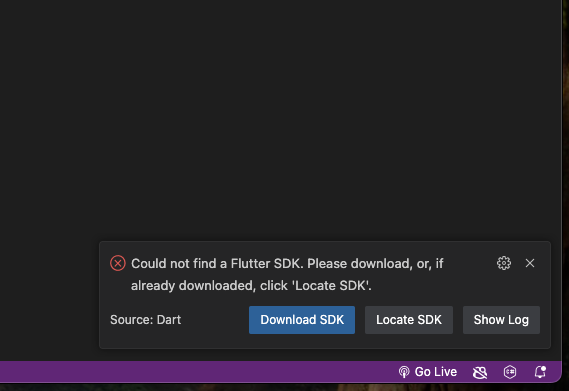
If the SDK isn't installed yet, a popup will appear in the bottom right — click [Download SDK].
You'll be asked where to install the SDK. It's a good idea to create a development folder right under your home directory. Once you've selected the ~/development/ folder, click [Clone Flutter].
Building the first app
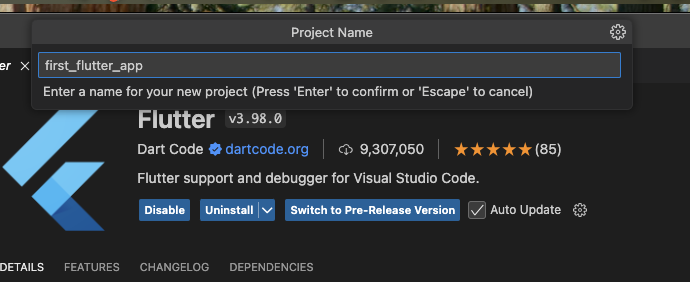
Open the command palette and run flutter: new project. Pick whatever directory you like for the project. I named mine first_flutter_app.
Let's just run it as-is for now (like they say, even with an expensive tonkatsu, take the first bite plain).
Press F5 to run it.
The counter app came up!! Looking good~