
When embedding something built with Unity into WordPress, I ran into the following error.
I'd uploaded the build folder directly under WordPress's wp-content/upload.
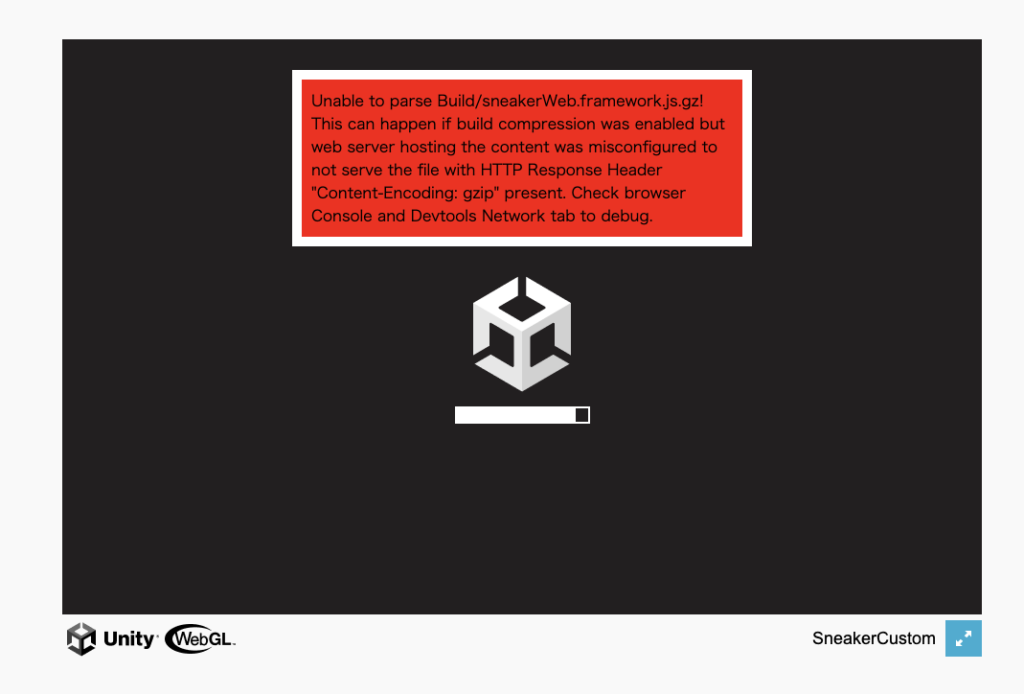
This can happen if build compression was enabled but web server hosting the content was misconfigured to not serve the file with HTTP Response Header "Content-Encoding: gzip" present. Check browser Console and Devtools Network tab to debug.Here's how to fix this.
Checking Server-Side Gzip Support
The rental server I use, Lolipop, supports Gzip.
I created a .htaccess file like the one below and uploaded it to the directory containing the build folder and index.html.
<IfModule mod_mime.c>
    # WebAssembly用のContent-Type設定
    AddType application/wasm .wasm
    AddEncoding gzip .gz
</IfModule>

<IfModule mod_headers.c>
    # gzip圧縮ファイルのContent-Type設定
    <FilesMatch "\.wasm\.gz$">
        Header set Content-Encoding gzip
        Header set Content-Type application/wasm
    </FilesMatch>
</IfModule>

<IfModule mod_rewrite.c>
    RewriteEngine On
    RewriteCond %{HTTP:Accept-Encoding} gzip
    RewriteCond %{REQUEST_FILENAME}.gz -f
    RewriteRule ^(.*)$ $1.gz [QSA,L]
</IfModule>
I got it published!