
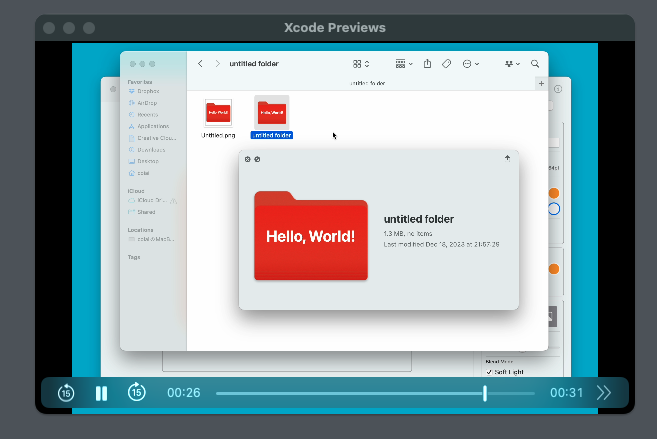
First, import the libraries you need.
import SwiftUI
import AVKit
Here, SwiftUI is Apple's UI toolkit, and AVKit is the framework that supports audio and video playback.
Next, create a View named SampleView.
struct SampleView: View {
This View holds a player for playing the video.
private let player = AVPlayer(url: Bundle.main.url(forResource: "SampleVideo", withExtension: "mov")!)
Here, AVPlayer is the object that plays the video, and we're using the Bundle.main.url(forResource:withExtension:) method to get the video file's URL from the app's main bundle.
Next, define the body property.
var body: some View {
This property defines the View's contents. Here, we use VStack to place the video player.
VStack {
    VideoPlayer(player: player)
VideoPlayer is the video player View provided by AVKit, and it takes the player we created earlier as its argument.
Then, using the onAppear() method, we play the video as soon as the View appears.
.onAppear() {
    player.play()
On top of that, we use NotificationCenter to set things up so the video replays from the start once it finishes.
NotificationCenter.default.addObserver(forName: .AVPlayerItemDidPlayToEndTime, object: player.currentItem, queue: .main) { _ in
    player.seek(to: .zero)
    player.play()
}
This makes the video loop forever.
And that's how you play and loop a video using SwiftUI.