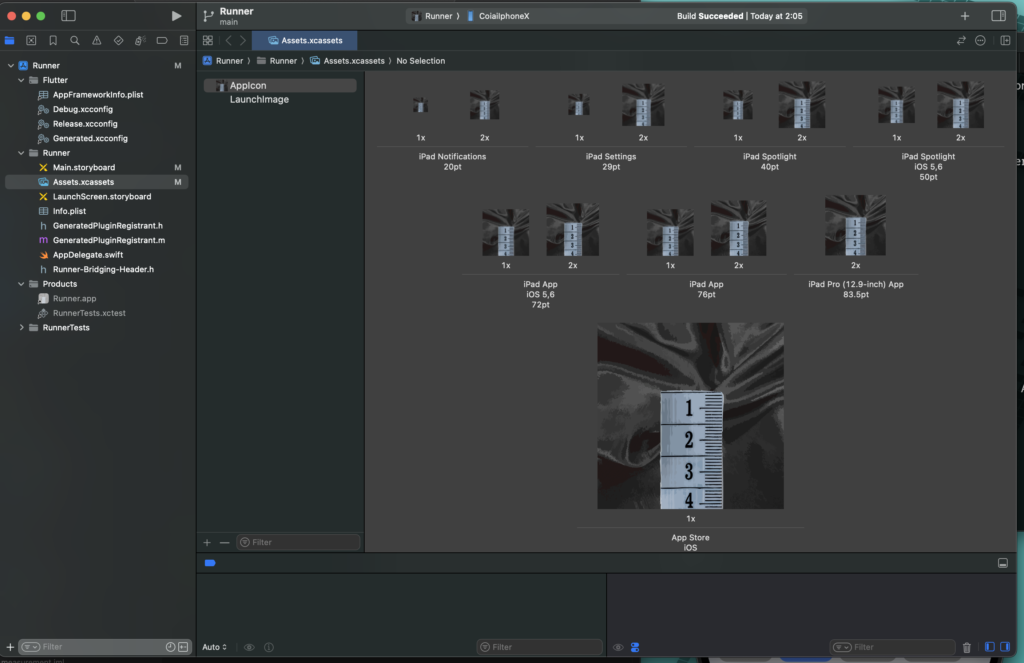
You need app icons ready by the time you release your app on iOS and Android.
On iOS, if you set the icon manually inside Runner.xcworkspace, it can cause errors at release time.
This post covers a safe way to set up app icons in Flutter.
Steps
Here's the minimal setup.
Add the following to your pubspec.yaml. (For platform-specific configuration, see this reference: https://pub.dev/packages/flutter_launcher_icons)
dev_dependencies:
  flutter_launcher_icons: "^0.14.3"

flutter_launcher_icons:
  android: "launcher_icon"
  ios: true
  image_path: "assets/icon/icon.png"
Once that's done, run the package.
flutter pub get
dart run flutter_launcher_icons
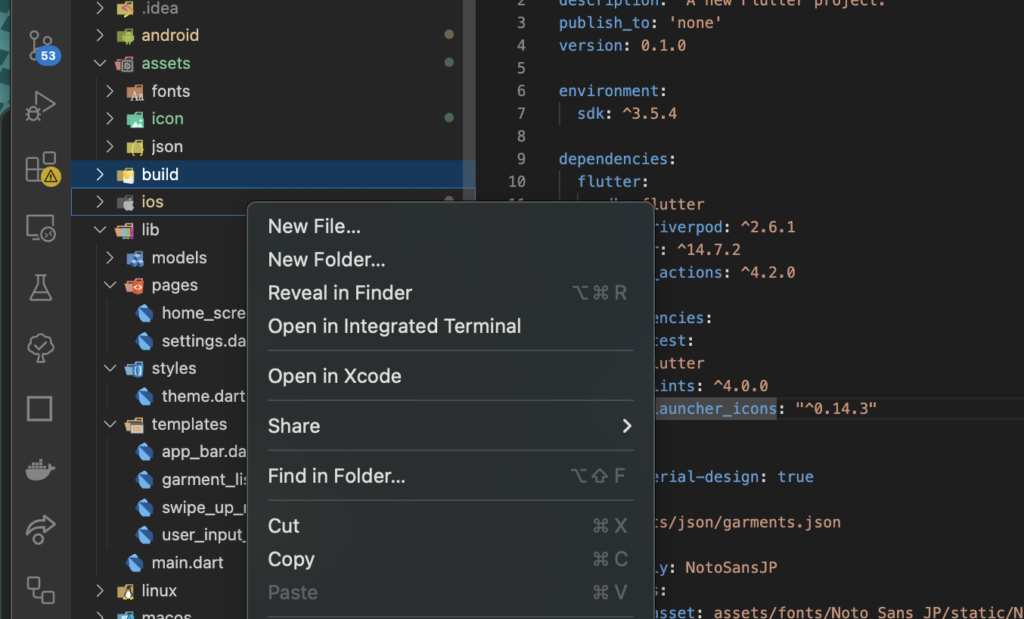
After running it, right-click the ios directory in VSCode and open it in Xcode.
You'll then be able to confirm that the icon has been set.