
In Flutter,
final ThemeData darkTheme = ThemeData(
  fontFamily: 'NotoSansJP',
  primarySwatch: Colors.blue,
);
using primarySwatch like this no longer works.
So what should you do instead?
As of now (May 2025), to change the overall color you need to use
final ThemeData darkTheme = ThemeData(
  fontFamily: 'NotoSansJP',
  colorScheme: ColorScheme.fromSeed (
    seedColor: Colors.blue,
    brightness: Brightness.dark,
    dynamicSchemeVariant: DynamicSchemeVariant.tonalSpot
  ),
);
colorScheme like this.
- To adjust the overall so-called "main color," use seedColor.
- You can configure dark mode by specifying brightness: Brightness.dark inside ColorScheme.
- To change the tone, set dynamicSchemeVariant.
For the values of each property, your best bet is the official documentation!

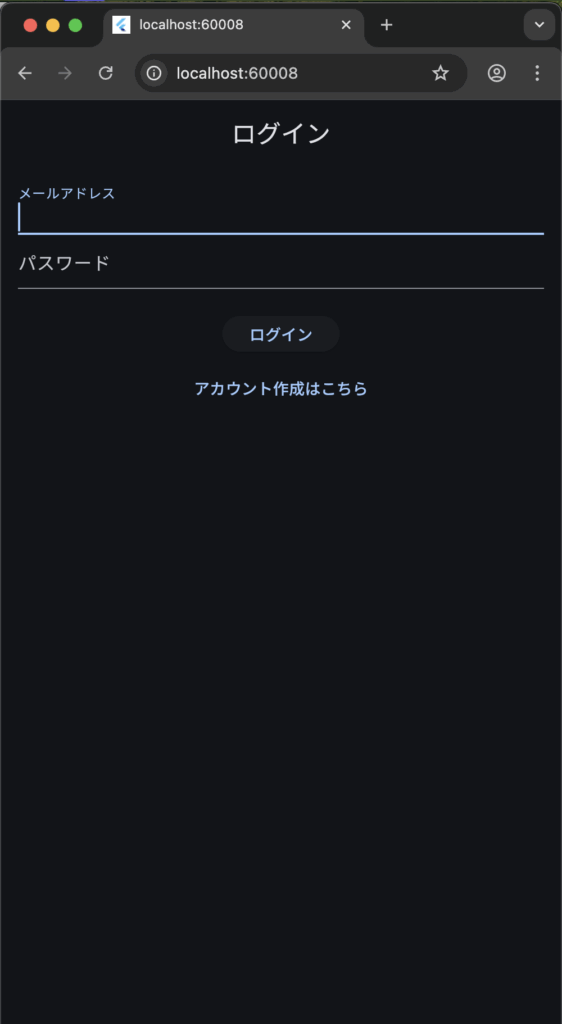
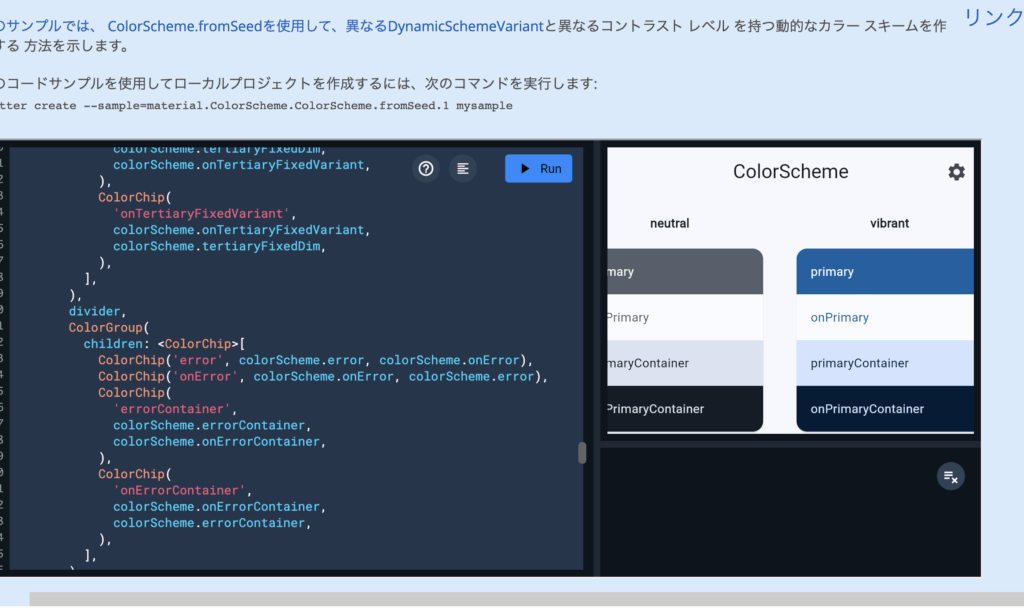
For configuring individual colors, the examples partway through the official documentation are incredibly clear. Definitely worth checking out.
References
https://api.flutter.dev/flutter/material/ColorScheme-class.html
https://api.flutter.dev/flutter/material/MaterialColor-class.html