
First, sign in to the https://aws.amazon.com/jp/ console as the root user.
Create a user in IAM.
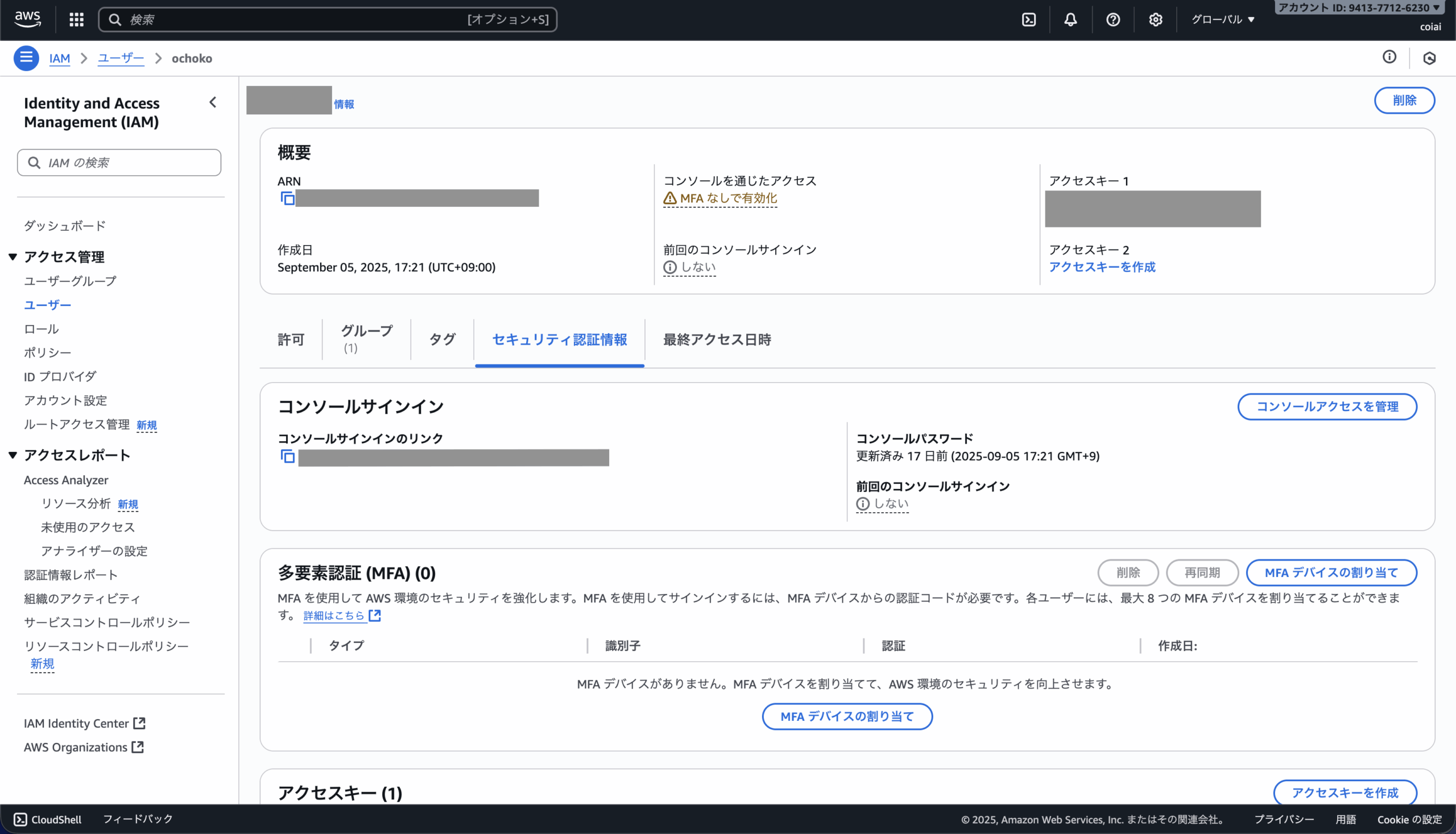
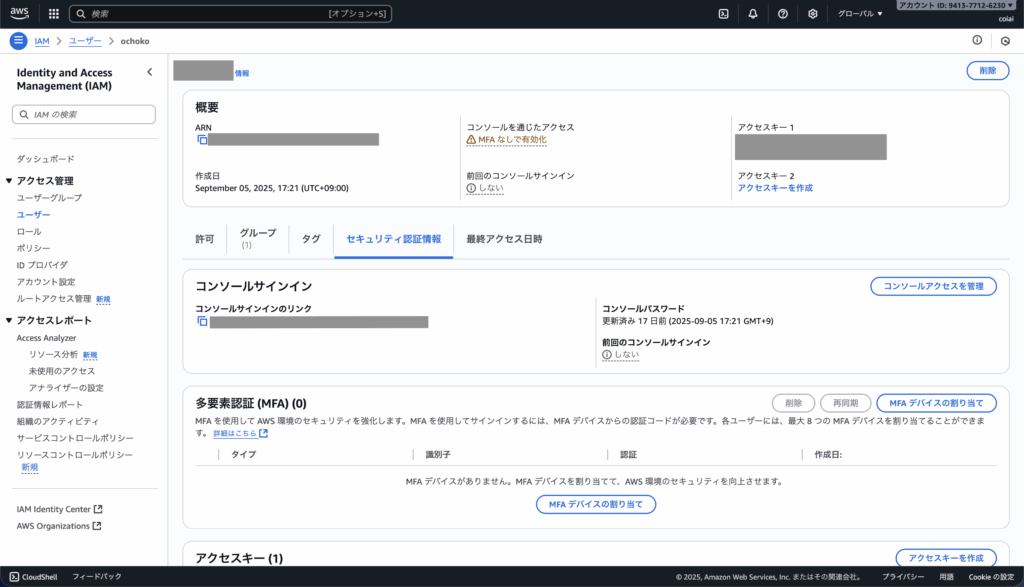
After creating the user, go to the "Security credentials" tab and click "Manage console access" — this gives you the sign-in link and console password.
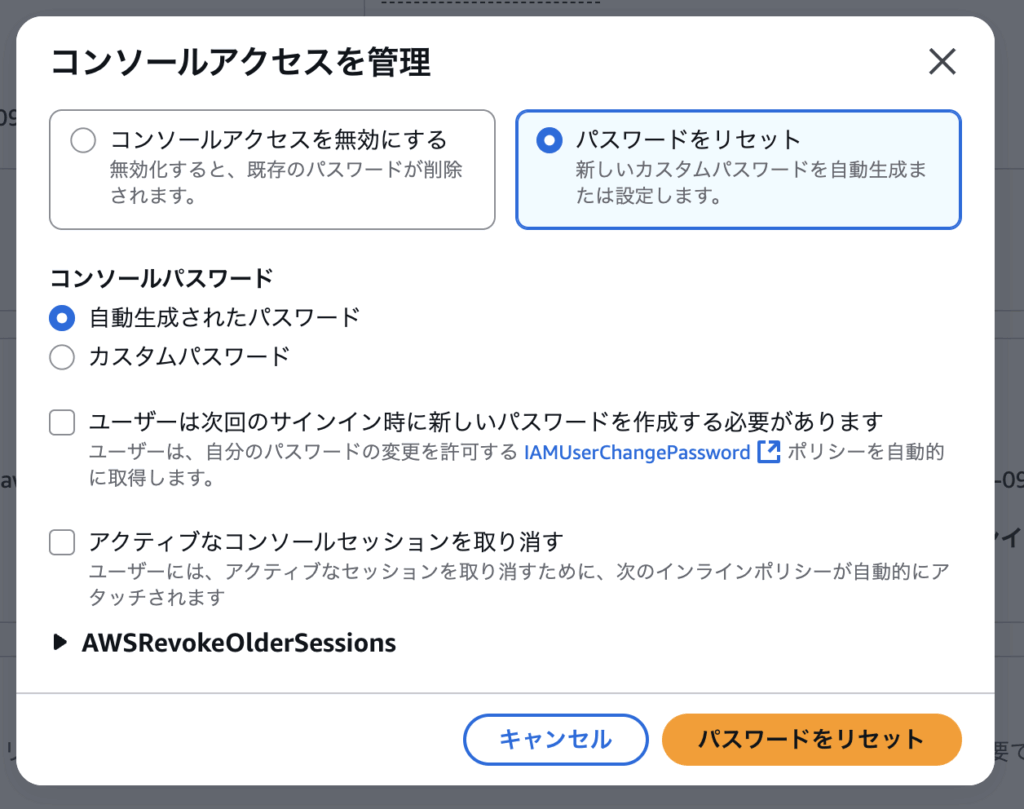
With that information, you'll be able to log in as the IAM user.