
To implement Sign in with Apple, you need
- the Capability setting in Xcode
- the Apple Developer configuration
— these two things.
Setting Up in Xcode
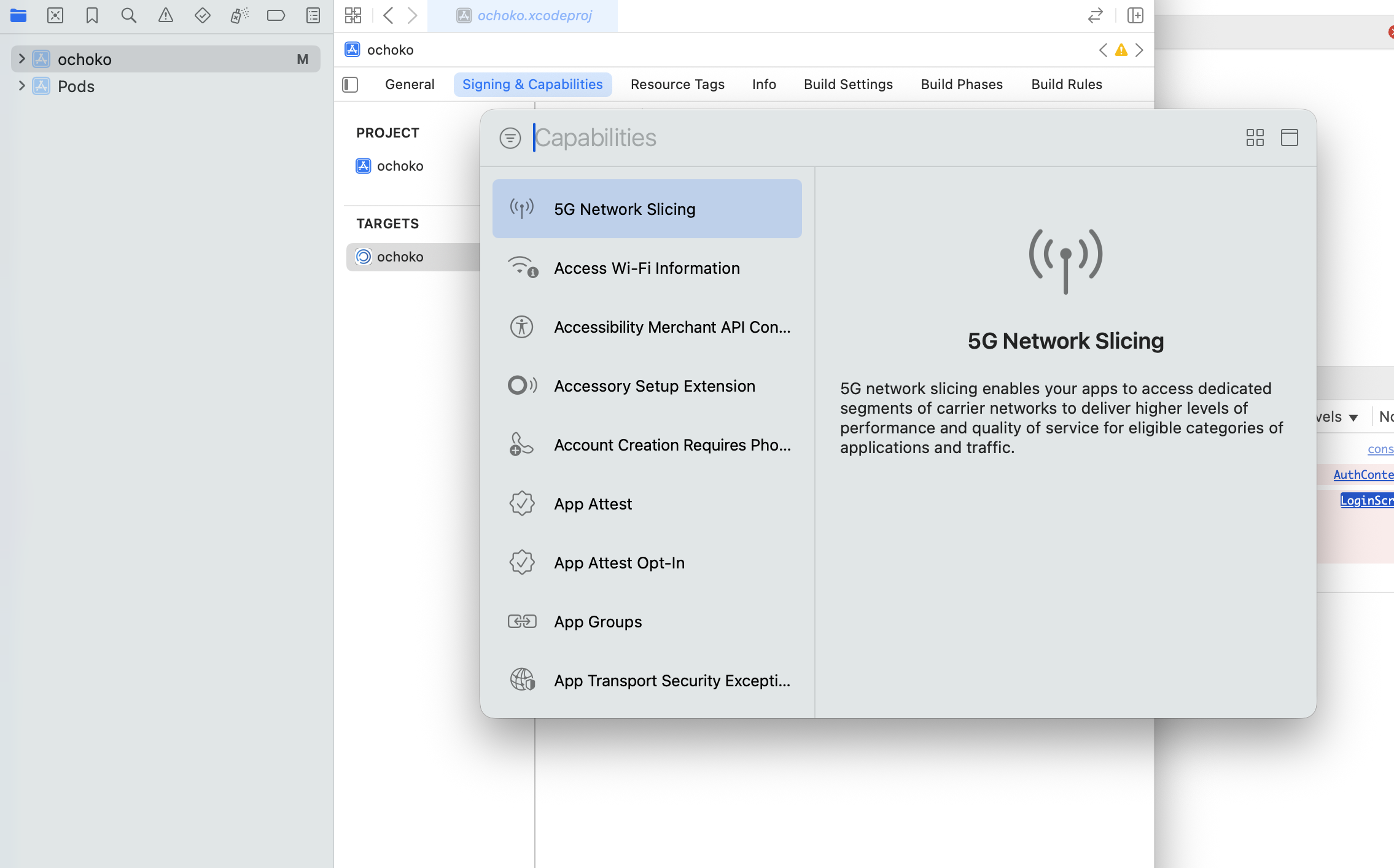
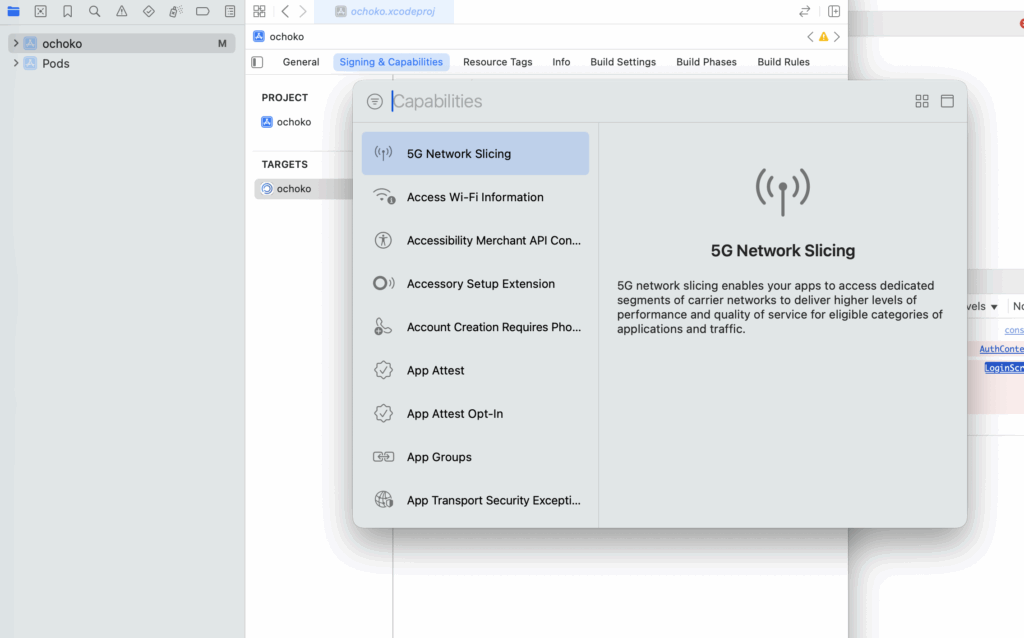
Go to Target > Signing & Capability and add a new item, Sign in with Apple.
Setting Up in Apple Developer
Go to https://developer.apple.com/account/.
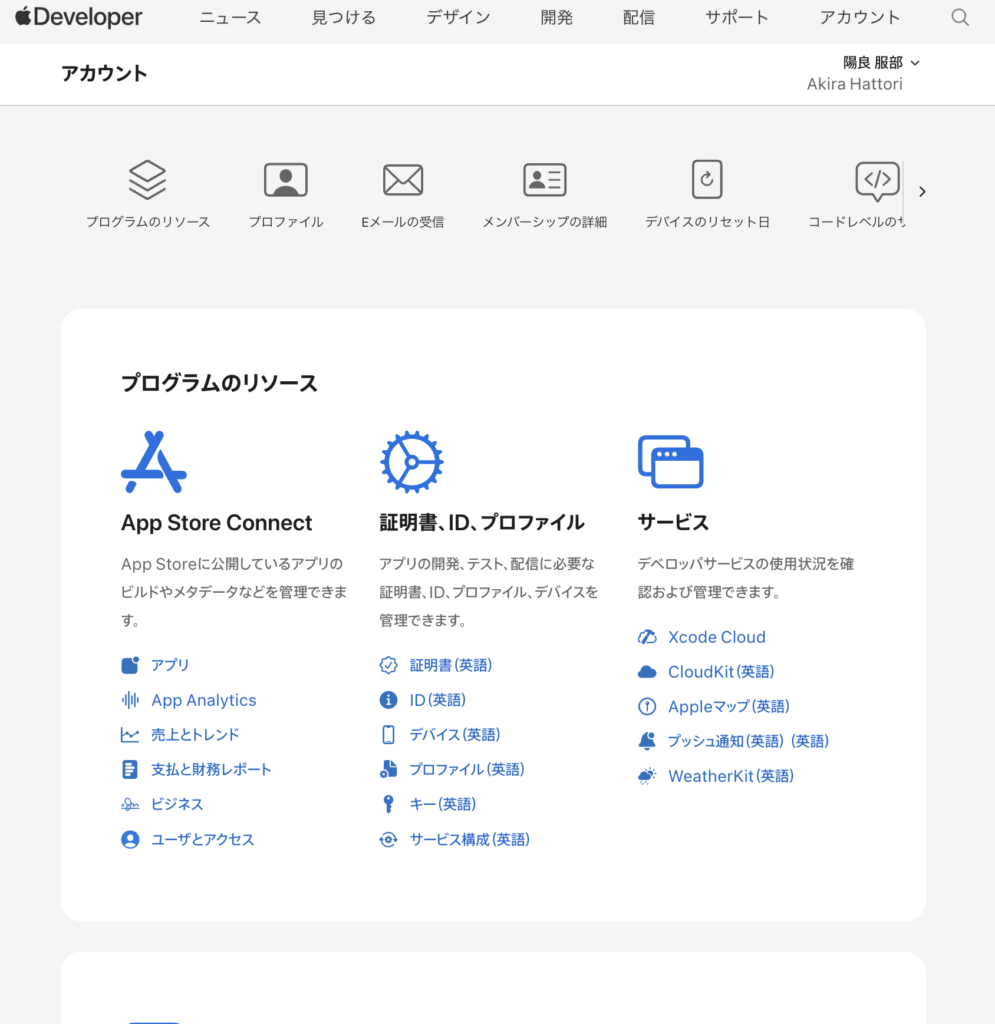
Click "Identifiers" (English) under Certificates, Identifiers & Profiles.
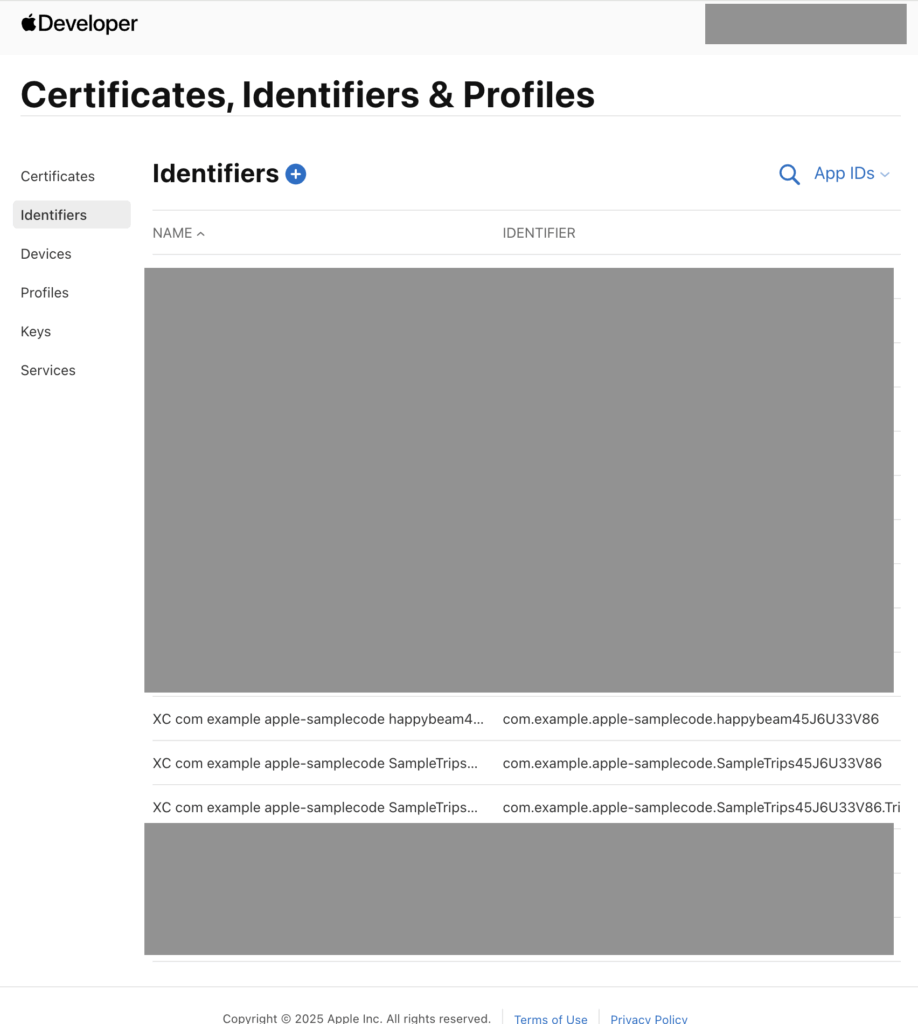
Select the relevant app from Identifiers.
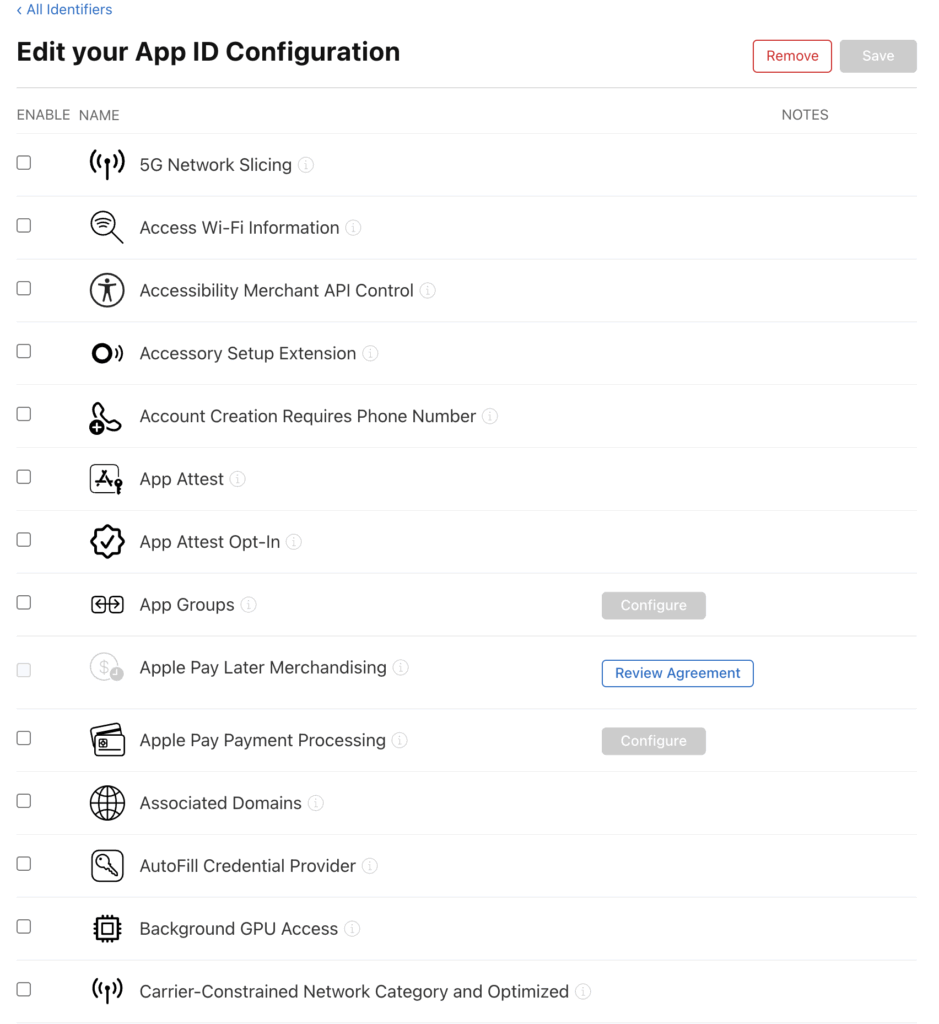
Find "Sign in with Apple" here and check the box.