
What This Is About
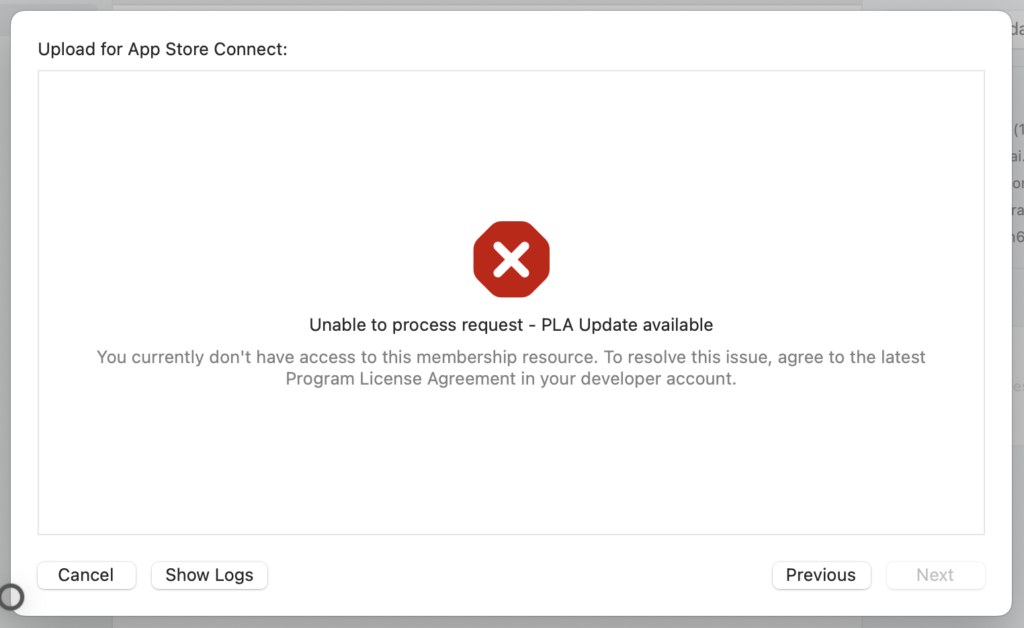
How to fix the error below when going from Product > Archive to Distribute App in the App Store.
Steps
If you already have a Developer account but still hit the error below, it may be because you haven't agreed to the new terms of service. If you're uploading an app after a while away, check for this first.
Unable to process request - PLA Upadata AvailableYou might also see the following error message instead.
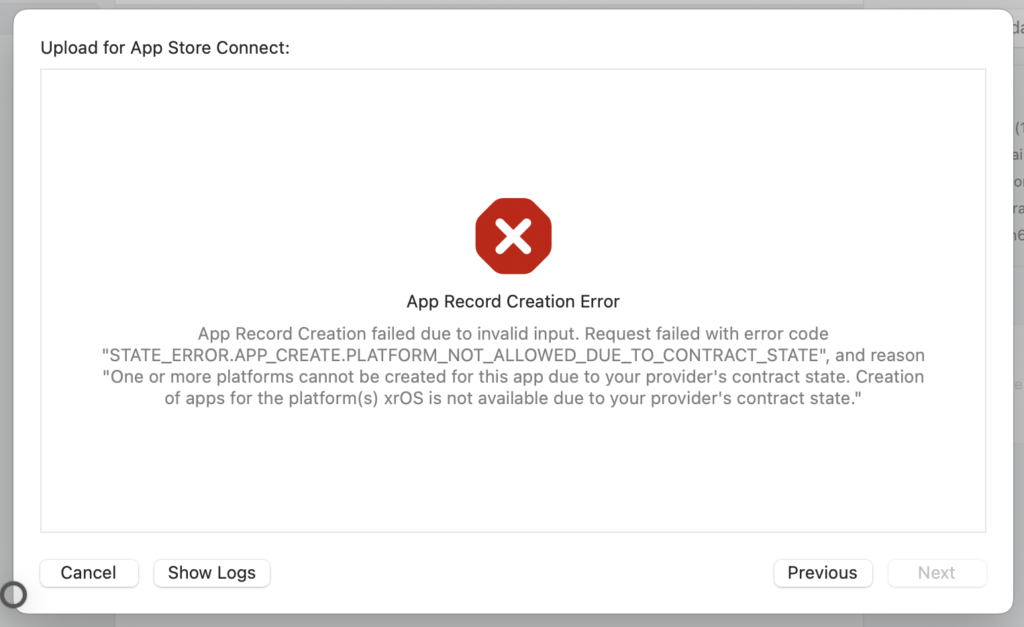
App record creation error

"STATE_ERROR.APP_CREATE.PLATFORM_NOT_ALLOWED_DUE_TO_CONTRACT_STATE", and reason "One or more platforms cannot be created for this app due to your provider's contract state. Creation of apps for the platform(s) xrOS is not available due to your provider's contract state."
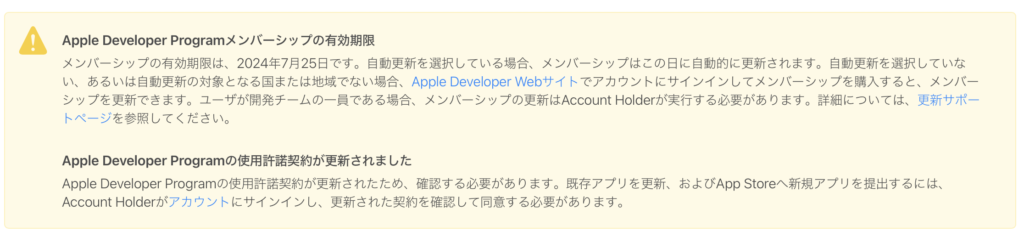
In this case, go to App Store Connect in your browser and agree to the new terms of service.
When you go to appstoreconnect.apple.com, you should see a warning like the one below — just follow its instructions.
If that still doesn't fix it, go to https://appstoreconnect.apple.com/business/, click your account name, and check the Paid Apps Agreement and Free Apps Agreement sections on the page that follows — there may be an agreement you haven't accepted yet.