❓ What This Is About
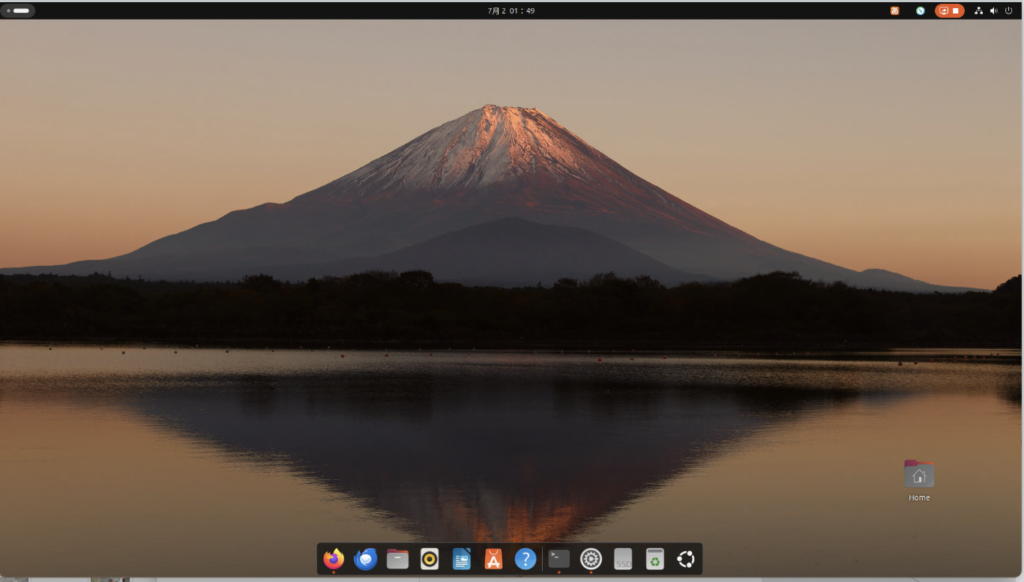
This is how to connect from macOS to Ubuntu over Remote Desktop.
🪴 Environment
- Distributor ID: Ubuntu
- Description: Ubuntu 24.04 LTS
- Release: 24.04
- Codename: noble
🛠️ Steps
🐧 On the Ubuntu Side
Open the Settings app.
Select "System" from the tab on the left.
(It used to live under Sharing, but it looks like it's moved.)
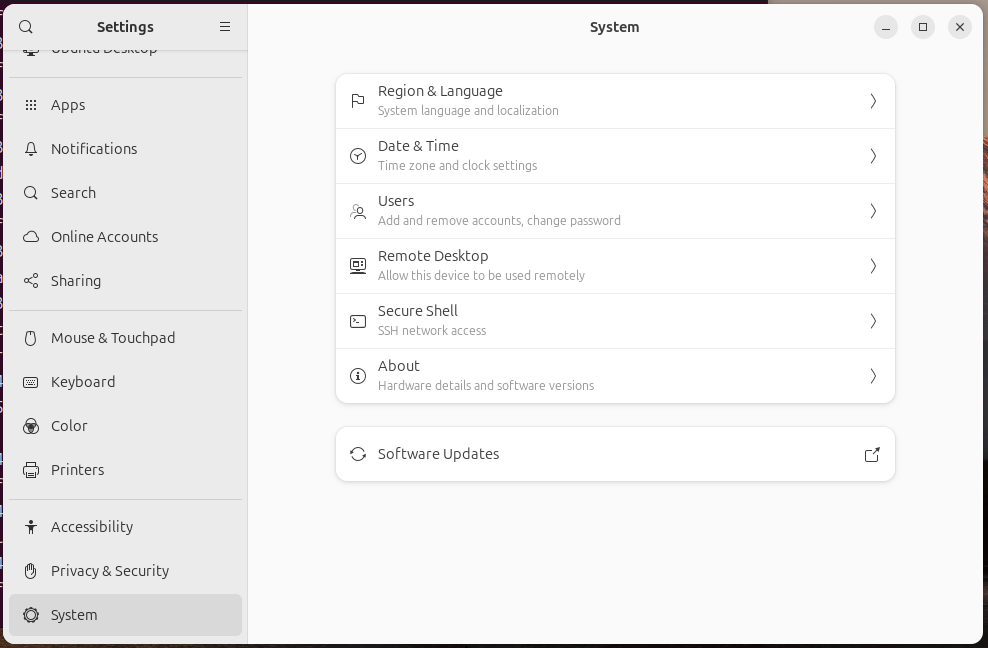
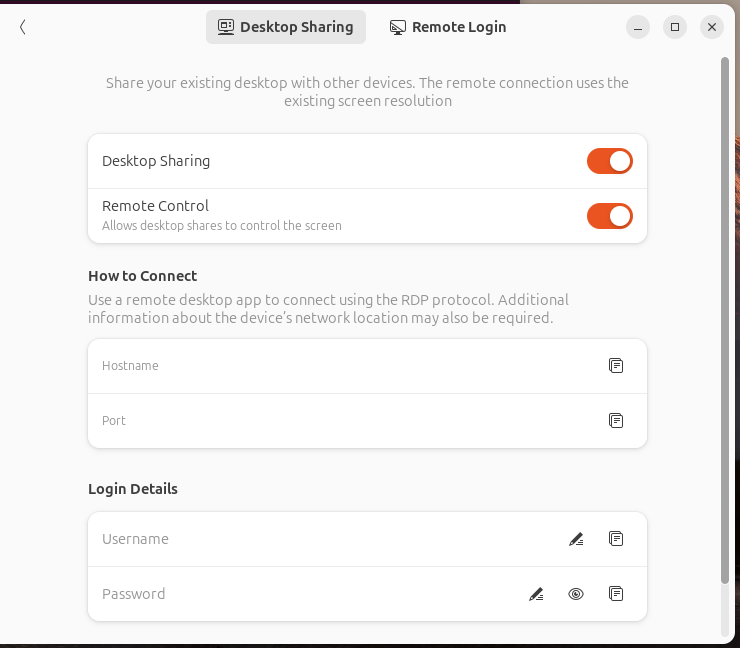
Click Remote Desktop and you'll see a screen like this.
Turn on Desktop Sharing and Remote Control.
Fill in the Username, Port, and Login Details.
You'll enter these same values on the macOS side later.
🍎 On the macOS Side
Go ahead and download Microsoft Remote Desktop.https://apps.apple.com/jp/app/microsoft-remote-desktop/id1295203466?mt=12
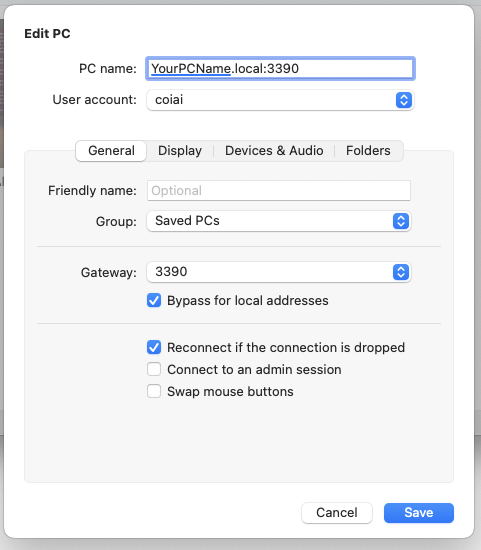
Once Microsoft Remote Desktop opens, click "Add PC".
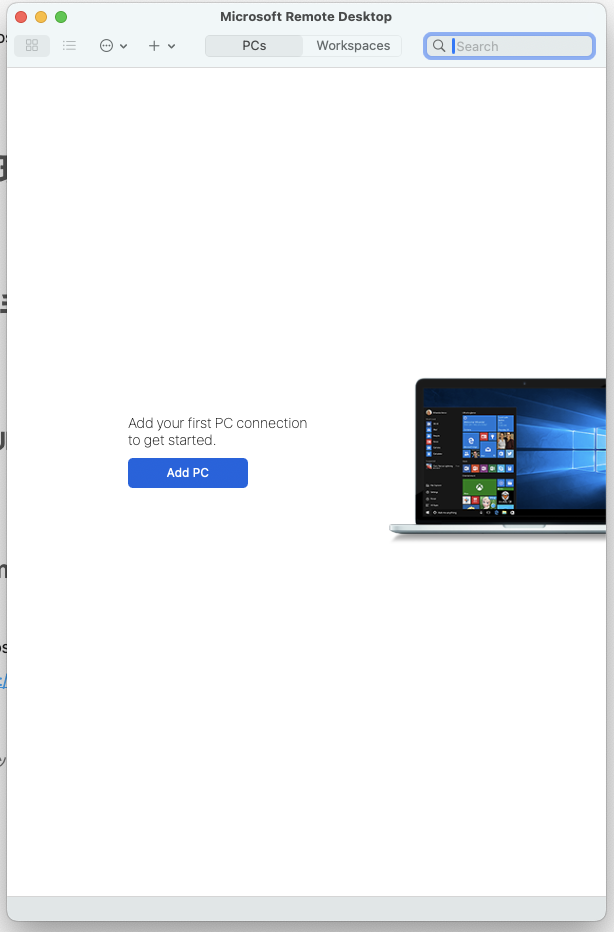
For PC name, enter "your-computer-name.local:port-number".
Add a User account — use the one you set up on the Ubuntu side earlier.
Finally, enter the port number under Gateway.
Click "Save" and you're done.
Connected! Woohoo.