
❓ What This Is
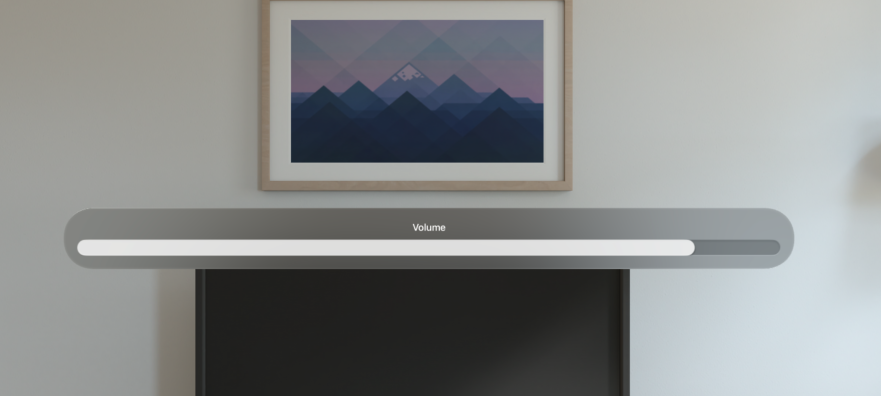
This is about how to control audio (AudioPlaybackController) volume in visionOS using a Slider.
🪴 Environment
- sonoma 14.5(23F79)
- Apple M1
- 16GB
🛠️ How To
This time, I'll build an app that plays nature sounds as the example.
NatureEntity.swift
import SwiftUI
import RealityKit

class NatureEntity: Entity {
    private var fireAudioController: AudioPlaybackController?

    @MainActor required init() {
        super.init()
    }

    init(fireAudio: AudioPlaybackController?, rainAudio: AudioPlaybackController?, insectAudio: AudioPlaybackController?) {
        super.init()
        self.fireAudioController = fireAudio
    }

    func updateGlobalVolume(_ volume: Double) {
        fireAudioController?.gain = volume
    }
}
Next, here's building the Slider control.
NatureControls.swift
import SwiftUI

struct NatureControls: View {
    @Binding var globalVolume: Float

    var body: some View {
        VStack {
            Text("Global Volume")
            Slider(value: $globalVolume, in: 0...1)
                .padding()
        }
    }
}
Finally, here's the part that brings it all together and displays it.
SoundView.swift
import SwiftUI
import RealityKit

struct SoundView: View {
    @State private var globalVolume: Double = -10
    @State private var natureEntity: NatureEntity?

    var body: some View {
        ZStack {
            RealityView { content in
                let natureEntity = NatureEntity(fireAudio: nil) // 実際のオーディオコントローラーを渡す
                content.add(natureEntity)
                self.natureEntity = natureEntity
            }

            NatureControls(globalVolume: $globalVolume)
                .onChange(of: globalVolume) { volume in
                    natureEntity?.updateGlobalVolume(volume)
                }
                .padding()
                .background(Color.black.opacity(0.7))
                .cornerRadius(10)
                .padding()
        }
    }
}
And with that, volume control is up and running.
The key line is fireAudioController?.gain = volume —
volume control is handled through gain. Passing it a Double worked perfectly.