
coiai is an IT company that builds systems and products with craftsmanship at its core. On this show, about twice a month, I share the reality of building a startup as its founder.
The main topic this time is how we put one server in our office, and ended up consolidating a lot of our company's systems and automation onto it, which also cut our costs significantly. There was also a lot going on in security this month, so I'll cover that too.
This Month's News: A Month of "Something2Shell"
There was a lot of big security news this month. What got engineers talking most wasn't a data leak, but vulnerabilities found in the software itself: the ones called Node2Shell and PHP2Shell.
The PHP one was especially big. A hole was found in PHP itself that lets anyone run code remotely, without logging in.
We used PHP for part of our website, too. That ran on a shared hosting service, so rather than patching it ourselves, the hosting provider applied the fix for us.
Separately, though, some of the servers we run ourselves had open-source services written in PHP. I'll use this opportunity to talk about what we did with those, as part of the main topic.
The Setup: A Pretty Powerful Server in Our Office
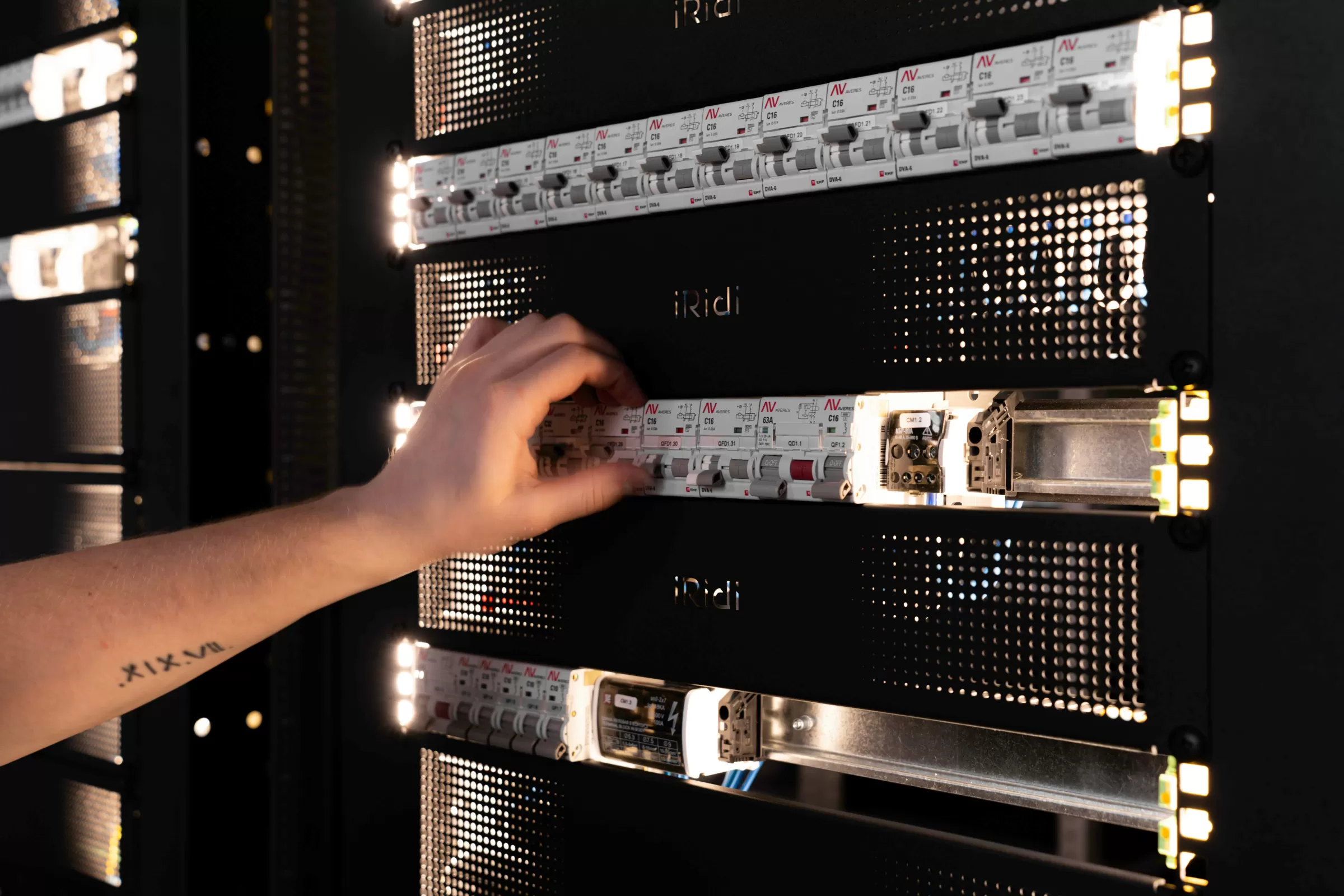
First, some background. We have a pretty powerful server sitting in our office.
Have you heard of AMD EPYC? It's a very strong CPU for servers. Ours has 64 threads, and the machine has 125 GB of memory.
We use it as the test machine for on-premise AI (AI that runs inside the customer's own office), which is one of the services we offer.
For GPUs, we use the NVIDIA V100, a generation from close to ten years ago. Right now we have two of the 32 GB version connected, and since we bought more this month, we plan to grow that to eight in total. We use it for neural network research, running LLMs locally, and lots of other things.
We use this server really, really hard, so that's what I want to talk about today. I think some of it will be useful, so please feel free to copy what we do.
Secure Access From Outside, Without a VPN
A home internet connection meant a VPN wasn't an option
At first, we set this server up so it could only be used on our local office network. But there are a lot of times when you want to use it from outside.
A VPN sounds like the obvious answer, but our connection is a regular home internet line. It's so "home" that it uses a method called DS-Lite. Roughly speaking, it can't accept incoming connections over IPv4. Many VPNs need you to open a port on the router to accept connections from outside, so a VPN wasn't possible in the first place.
Cloudflare Tunnel, Access and Pocket ID
So to run our own server on a home connection, we combine these three:
| Tool | Think of it as | What it does |
|---|---|---|
| Cloudflare Tunnel | A passageway | The server keeps an outbound connection open to Cloudflare, and access from outside comes back through it. We don't have to open a single port on the router |
| Cloudflare Access | A gatekeeper | Traffic from anyone who isn't logged in is stopped at Cloudflare and never reaches the server |
| Pocket ID (OIDC) | An ID office | Confirms who you are with face or fingerprint authentication (passkeys) |
Obviously, the result is that only our own staff can reach our server.
The idea behind it is what's called zero trust. Instead of assuming "it's safe because it's inside the office network," we check who is accessing the server on every single request.
The great thing about this setup is the cost. Pocket ID is free, and Cloudflare stays almost entirely within the free tier at our current traffic.
We never change the server by hand
We change the server's settings strictly, without exception, through code, using tools like Terraform.
When people build infrastructure on cloud services, it's common to manage settings as code, which is called IaC (Infrastructure as Code). We apply the same idea to our own server, so that who changed what, and when stays in the repository's history.
So nobody edits the server directly by hand.
Replacing Nextcloud With a File Server We Rebuilt in Rust
From here, let's talk about what services we actually run on this server.
Overloaded with features, and written in PHP
First, the file server. This is where the PHP vulnerability from the start comes back in.
Do you know Nextcloud? It's a very well-known open-source file server that runs on servers such as Ubuntu. And it runs on PHP.
I'm really sorry to say it, but personally I often found it hard to use. The reason is that it has way, way too many features. I'd been bothered for a long time that we didn't need nearly that much.
Then the PHP vulnerability news came on top of that, so I thought, "Why not just write our own?" We rewrote our file management in Rust. We rebuilt the whole thing, front end included, so that it works the way we like to use it.
Search runs on SQLite alone, for now
We're mostly still in a testing phase. Searching inside files is done with SQLite alone, without setting up a separate search engine. Japanese full-text search runs on SQLite too.
We only have a few hundred files on the server so far, so that's plenty. The decision is simply to set up a proper search engine once the number of files grows. And of course, we went through and checked anything that looked risky from a security point of view before running it.
A file server that turns audio into meeting minutes
This turned out to be really handy. Because we customized it ourselves, for example, the moment you drop in an audio file, Whisper (speech recognition) and an open-source LLM running on the server automatically transcribe it and turn it into meeting minutes.
So we're using it as a slightly fancier file server.
Not a single PHP program left on the server
With this rebuild, there's no longer a single PHP program running on the server. Managing it has become much easier, and I'm glad we did it.
On a personal note, in all my years of web development, PHP has always been a language I struggled with. It's hard to maintain. I felt things had gotten better as Laravel became mainstream, but it's not a language I especially love either, so I thought, "Let's just go with Rust," and we did.
A Weekly SEO Report, Automated on Our Own Server Instead of GAS
Having Claude analyze Search Console and GA4 data
Another thing we've set up nicely on this server is a weekly SEO improvement report.
We're now working seriously on SEO for our company website, coiai.net. For that, we pull numbers from Google Search Console and Google Analytics (GA4), and have Claude analyze them.
With GAS, every run would cost API fees
Honestly, you could do exactly the same thing with Google Apps Script (GAS). But for GAS to have Claude do the analysis, it has to call Claude's API. Since we run the analysis every week, paying API fees each time didn't sit right with me.
On our own server, we can have Claude read the data once and respond, all within the Claude plan we already pay for. We don't have to bother with GAS, because we already have our own server, so we just do it there.
In the end, the server sends an email, so an SEO improvement report arrives in our regular inbox every week. I'm pretty happy with that.
Cooling Fanless GPUs With 3D-Printed Ducts
Staying on the server: the V100s I mentioned are graphics cards with no fans of their own. They're designed on the assumption that strong airflow is already moving through a data center server rack.
So we have to provide our own fans and get air onto the cards. We 3D-printed ducts and worked out how to direct the airflow properly. We're a software company, but this kind of thing feels very much like the craftsmanship company we want to be.
Moving Company Email to a More Secure Service
We want to leave shared hosting behind completely
Finally, we moved our company email to a service with properly strong security.
We used to use shared hosting services such as Lolipop, a popular budget host in Japan. It's a leftover from when I was a sole proprietor, and most of our website ran on shared hosting too. But we want to move off shared hosting completely, and we're now in the process of moving the website to AWS and similar services.
The reason is that we have quite a few things we want the site to do. As I said last episode, we no longer use WordPress; we built and run our own CMS. It's currently built with Laravel, but another framework would be fine too. The backend languages we mainly use day to day are Java, Kotlin and Rust. The website is the only place we use PHP. So there's no reason to force PHP to keep running on shared hosting.
Email is the last line of defense
Along with that, I wanted our email to be more secure.
With email on shared hosting, if someone gets your address and password, anyone can log in. That's not great. Without two-factor authentication for each person, or app passwords issued per device, the security is just too weak.
These days, for so many services, anyone who controls your email address can reset your password, right? In that sense, your email address is the last line of defense. I didn't want to leave that with weak security.
Why we chose mailbox.org
So for now, we've moved to mailbox.org, an email service based in Germany.
We also looked at options like Google Workspace, but chose mailbox.org because Google Workspace was too expensive. Also, we don't need to force everything onto Google's services. We already run our own sign-in system with Pocket ID (OIDC), as I described earlier, so there was no need to standardize on Google.
Security Isn't Something You Work Hard on for Just One Day
With all this, including email, I feel we've made our overall security much stronger. ...That said, it would be pretty embarrassing if we got hacked after saying that (laughs). But we're doing everything we can right now.
Beyond that, someone we work with has an environment for running penetration tests (simulated attacks that check for security weaknesses) with Claude, and they help us keep improving security across the company.
On top of that, we use the local LLM we run in-house to keep monitoring for security holes around the clock.
Security isn't something you can work hard on for one day and be done with. So what we've been focused on lately is applying patches continuously, and building systems that alert us when something is weak.
Get in Touch, Even If It's Just an Idea
We've been getting more inquiries through our website lately, which makes me very happy.
We do a lot of different things, so if you have a proof of concept (PoC) in mind, or something you'd like to do a certain way, please get in touch. Even just an idea is completely fine. Tell us, "I'd like to try something like this. Is it possible?"
One of our strengths is that when someone asks, "Can you do this?", we're also upfront about the reality, like "Given the budget, it would need to bring in about this much to be realistic." We don't just build something and walk away. We make proposals so that the service you bring to us can last as something people keep using.
Designing services so that nobody involved loses out, including realistic monthly costs, is one of our strengths. Please feel free to reach out.
Closing
coiai Inc. offers web development, XR development, core business system development, and on-premise AI implementation support.
We can handle just about anything else too, so whether another company turned your project down or the quote you got was too high, our estimates are free. Please contact us about anything.
So, I guess the next episode will be next month. Subscribe to the channel, and I hope you'll come back to listen next time. Thank you very much.