
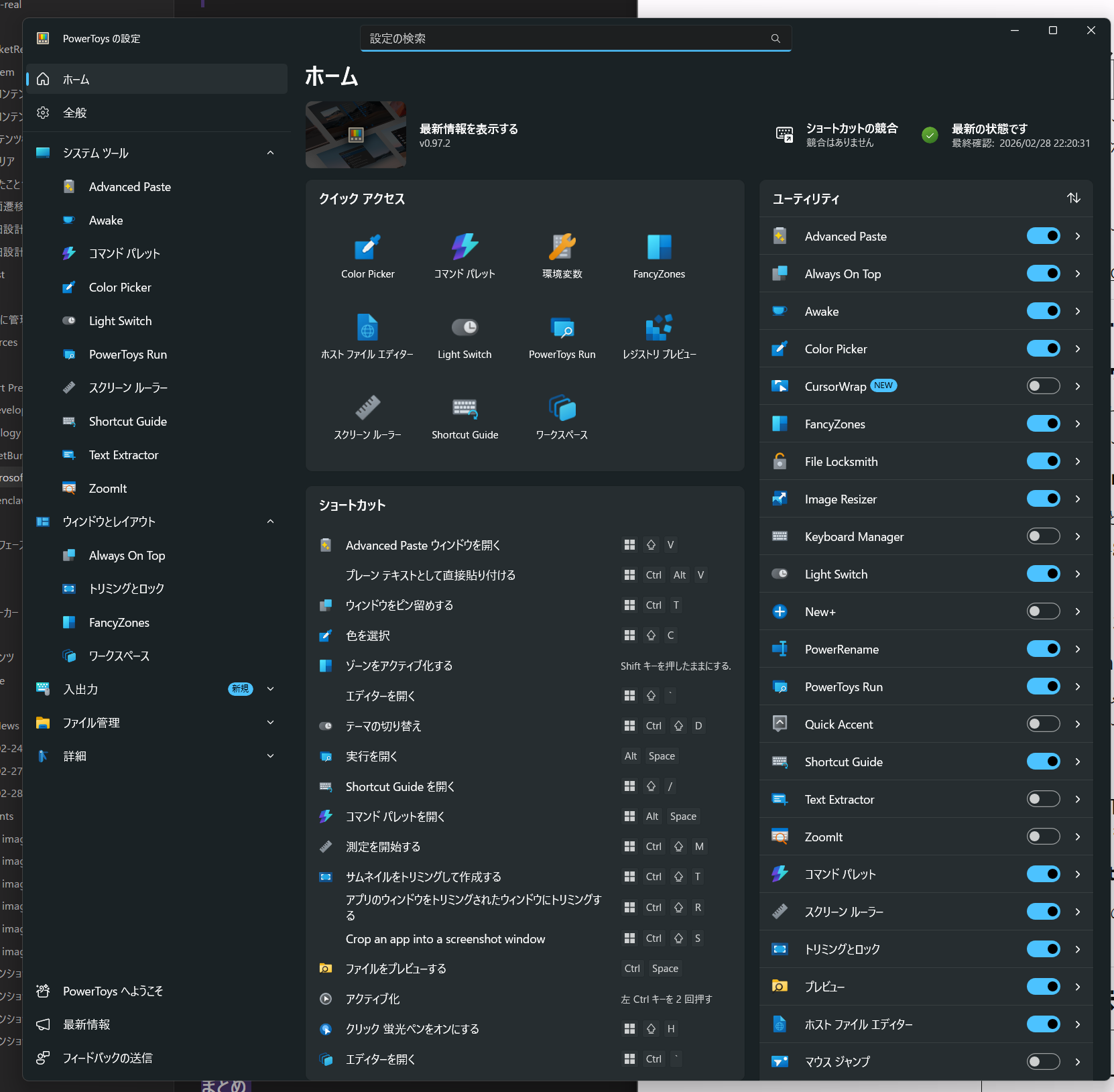
If you're a regular Mac user putting up with Windows's little frustrations, let me introduce an official app you absolutely need to install.
It's guaranteed to seriously boost your productivity.
Installation
You can install it via a package manager, or grab it from the Windows Store — either works.
https://learn.microsoft.com/ja-jp/windows/powertoys/install?tabs=store%2Cextract-094
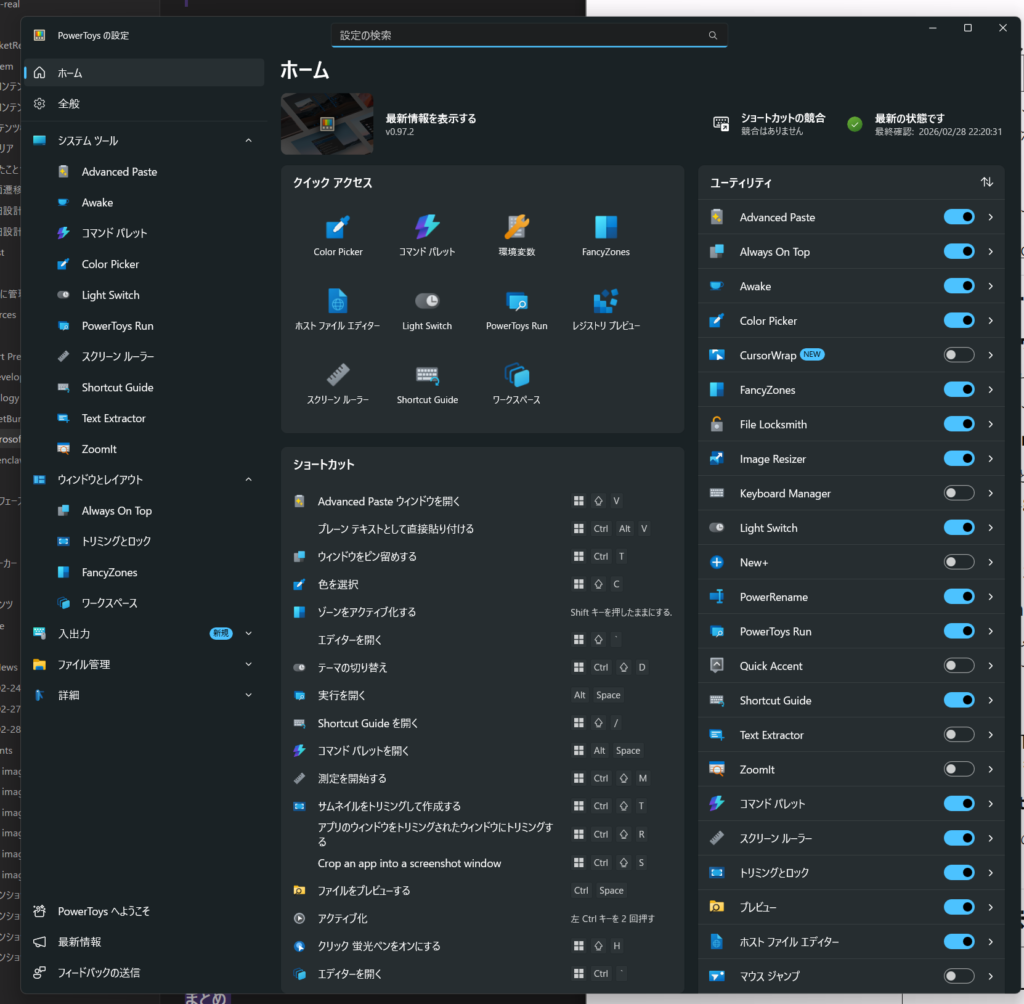
Features I especially recommend
FancyZones (Window Manager)
It's a massively souped-up version of Windows's Snap feature. You design your own window layout, and then just dragging a window snaps it perfectly into place. Absolutely essential if you're running a multi-monitor setup.
If I'm being greedy, I wish it also had a way to save which apps are pinned where……!!
For that, it looks like I'll just have to try some other tool.
PowerToys Run (Quick Launcher)
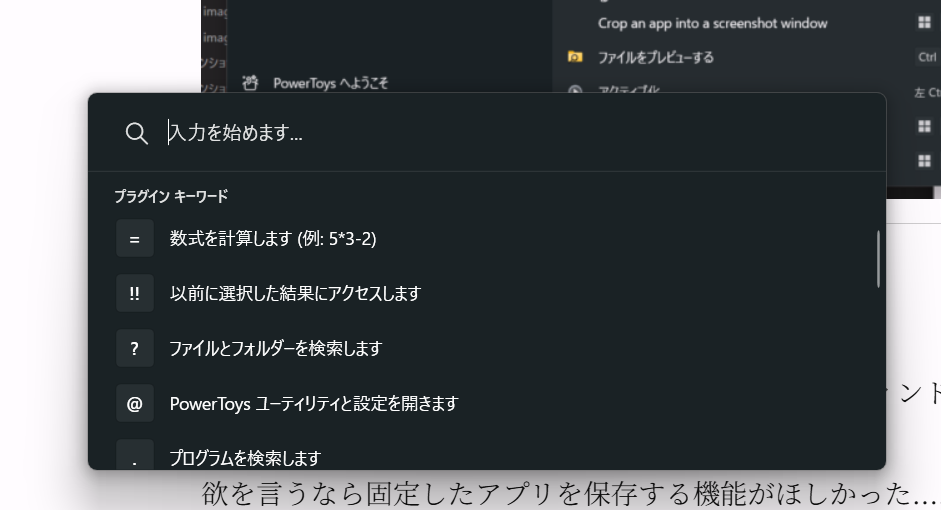
Launch it from anywhere with Alt + Space. It covers app search, file search, calculations, web search, running shell commands, and more, and you can extend it further with plugins. It's essentially the Windows equivalent of macOS's Spotlight or Alfred.
Since I'm normally a Mac user, having a feature like this built by Microsoft itself is honestly pretty exciting.
Command Palette
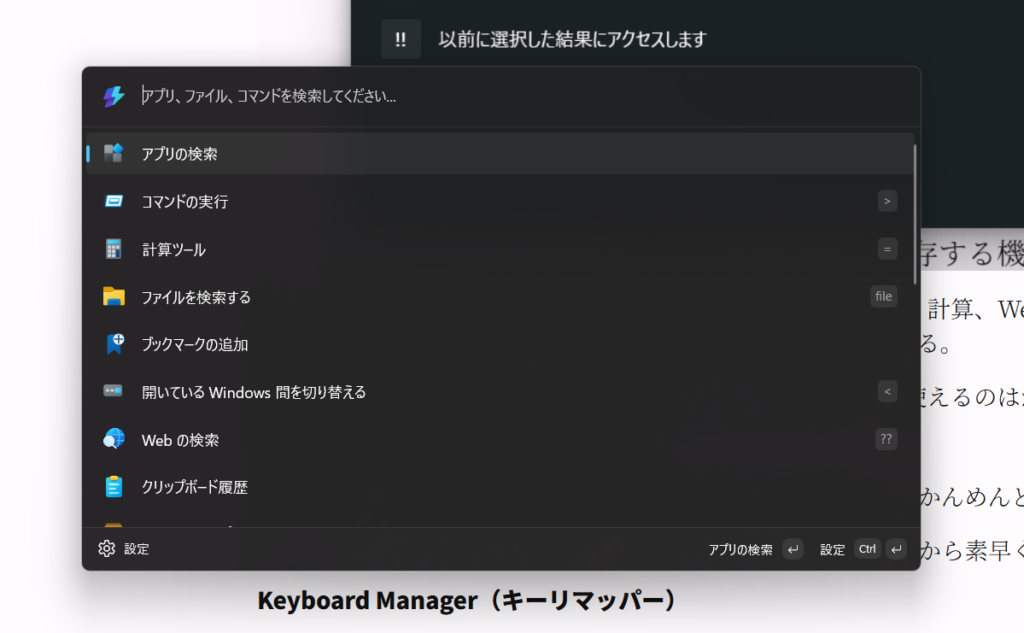
It launches with win alt Space. Figuring out when to use this versus PowerToys Run is a bit of a hassle — honestly, I wish they'd just merged the two.
It gives you quick access to your frequently used commands, apps, and tools from a single interface, and it's highly customizable.
Keyboard Manager (Key Remapper)
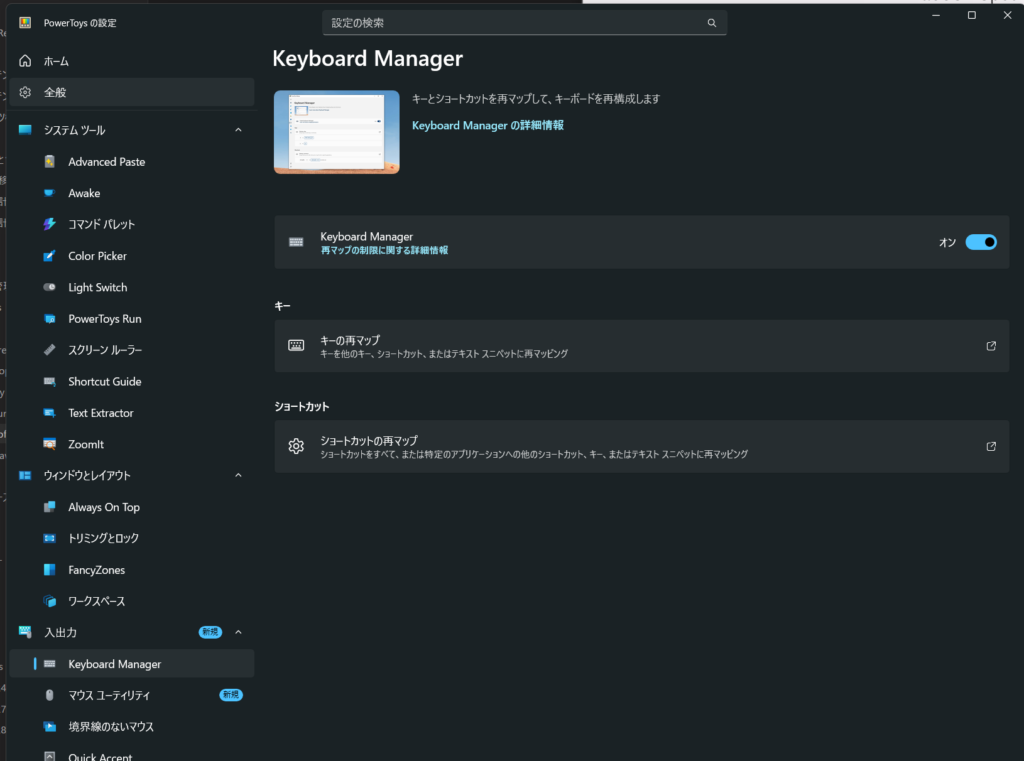
You can remap keys and create custom shortcuts — turn CapsLock into Ctrl, define your own shortcuts, whatever you like. The best part is you never have to touch the registry.
Text Extractor (OCR)
Press Win + Shift + T and you can OCR any text on screen and copy it instantly. It's perfect for pulling text out of a screenshot, and it supports Japanese too.
Honestly, this feature is just ridiculously good. I want to tell everyone about it.
Advanced Paste
Convert your clipboard contents into whatever format you want before pasting. Plain text, formatted JSON, Markdown conversion, and more. There's also an optional AI feature
you can use.
Light Switch
It automatically switches between light mode and dark mode based on the time of day.
Why isn't this a standard feature?!
Small features that quietly help every day
| Utility | Overview |
|---|---|
| Always On Top | Pin a window on top with Win + Ctrl + T |
| Color Picker | Grab the HEX/RGB value of any color on screen with Win + Shift + CIt's amazing that the ColorPicker feature Mac has is now available on Windows too |
| Image Resizer | Right-click in Explorer → batch-resize images |
| PowerRename | Batch rename with regex support, built right into Explorer |
| File Locksmith | Find out what's locking a file you can't delete |
| Awake | One click to prevent your PC from sleeping when you don't want it to |
| Peek | Ctrl + Space to preview a file without opening its appMac users will know this one well. I love it. |
| Screen Ruler | Quickly measure pixels on screen. Handy when implementing UI |
| Mouse Utilities | Highlight your mouse cursor's position. Great for presentations |
Features for developers
- Environment Variables Editor — Manage environment variables in grouped profiles. Editing your PATH becomes dramatically easier
- Hosts File Editor — Safely edit your hosts file through a GUI
- Registry Preview — Visually inspect and edit .reg files
- Command Not Found — Suggests a WinGet package when a command fails in PowerShell 7
For presentations and streaming
- ZoomIt — Screen zoom, annotation, and recording. A staple of technical presentations
- Shortcut Guide — Hold down
Winto bring up a list of available shortcuts
Other utilities
- Mouse Without Borders — Control multiple PCs with a single keyboard and mouse
- Crop And Lock — Crop out just part of another window and display it separately
- Workspaces — Save a set of app layouts and restore them with one click
- New+ — Create files from custom templates right in Explorer
- Quick Accent — Helps with typing accented characters
- Light Switch — Automatically switches between light and dark themes based on the time
Wrap-up
PowerToys is a toolkit that solves every "why isn't this built into Windows already?" moment you'll ever have. There's no downside to installing it. In particular, FancyZones, PowerToys Run, and Text Extractor are three features you won't be able to go back to life without once you've tried them.
Official site: https://learn.microsoft.com/ja-jp/windows/powertoys/
GitHub: https://github.com/microsoft/PowerToys